Make Solana Token Metadata Immutable: The Last Edit
Prepare the final Solana metadata edit before making it immutable. Review the name, symbol, image hosting and update authority in SlingZero.
Illustration and design · SlingZero
Making Solana token metadata immutable finalizes the supported metadata record, so review its name, symbol and resource references before giving up further edits. Operationally, it is closer to approving the final print edition of a document: spelling mistakes, broken links and an unfinished logo should be resolved before the remaining edit permission disappears.
Decide what “finished” means
For a token using the supported Metaplex metadata model, review the name, symbol, description, image resource and metadata URI as one coherent identity. Test the actual referenced resources rather than approving a local image file that has not been published anywhere.
The Metaplex update reference describes the role of update authority and mutability. This guide concerns that metadata model; it does not assume every Solana asset exposes the same fields or administration mechanism.
A useful final review has two owners: the person responsible for the public identity and the signer responsible for the onchain change. Both should agree on which mint and metadata record are being finalized.
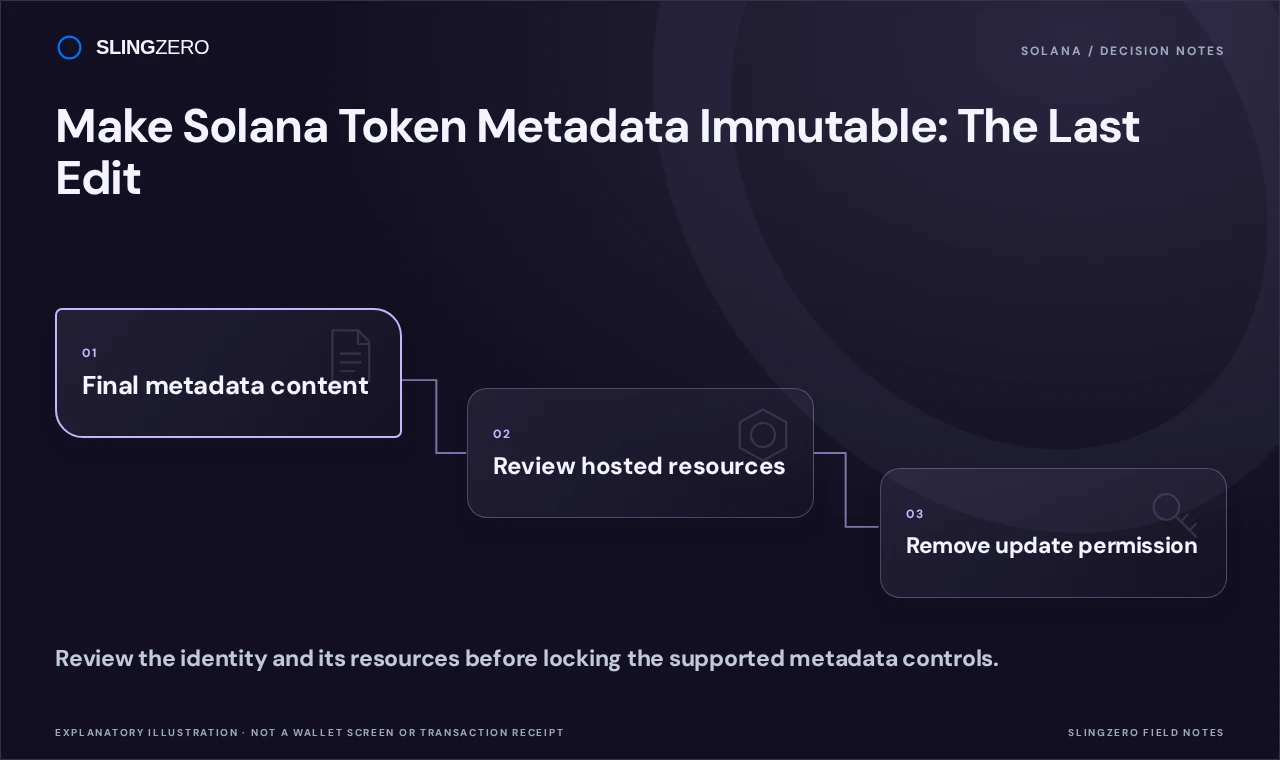
Concept illustration — Review the identity and its resources before locking the supported metadata controls.
The last-edit review
Read the token name aloud and compare the symbol with the website. Open every public link in the metadata. Check that the image is still legible at wallet-icon size. Confirm that the resource URI points to the intended final data and that its hosting arrangement fits the project's durability requirements.
If any value needs changing, use Update token metadata first. Wait for that edit to confirm and inspect the resulting record before considering immutability.
Video: Solana authority and metadata controls
An illustrated look at mint authority, freeze authority and metadata finality. The displayed checks are limited indicators, not a complete security audit.
Watch on YouTubeWhere the final decision happens
The Make immutable tool provides the supported permission change.
Connect the controlling wallet and verify the full mint address and network. Review the current metadata and the consequences shown by the tool. Authorize the change only after the final-edit review is complete, then preserve the successful signature.
A wallet rejection or a reverted instruction does not finalize anything. Read the resulting metadata state before publishing an announcement that the record is immutable.
Separate finality from every other promise
Metadata immutability does not by itself remove Solana minting permission, remove the Solana freeze authority, lock liquidity or establish a token's economic value. It resolves one specific administration question. Describe that scope accurately so readers do not infer that all other controls vanished at the same time.
Third-party wallets and explorers can also cache older display data. Verify the underlying metadata before diagnosing a display problem. Once the record is immutable, repeated attempts to edit it are not a sensible refresh strategy. Keep a copy of the approved values and resource references so future operators can distinguish an indexing delay from the final onchain record.