Revoke Solana Mint Authority: A Fixed-Supply Checklist
Prepare a final supply checklist, revoke a Solana token mint authority using SlingZero, and verify that the authority has been removed onchain.
Illustration and design · SlingZero
Key takeaways
- Removing mint authority prevents future issuance through that authority.
- Complete every planned allocation before taking this step.
- Mint authority, freeze authority, and metadata update authority are separate controls.
Revoking Solana mint authority removes the permission used to issue additional SPL tokens, so complete the supply plan before submitting that permanent change. The operation should follow a supply reconciliation, not replace one. A team that discovers an omitted allocation afterward cannot simply turn the same authority back on.
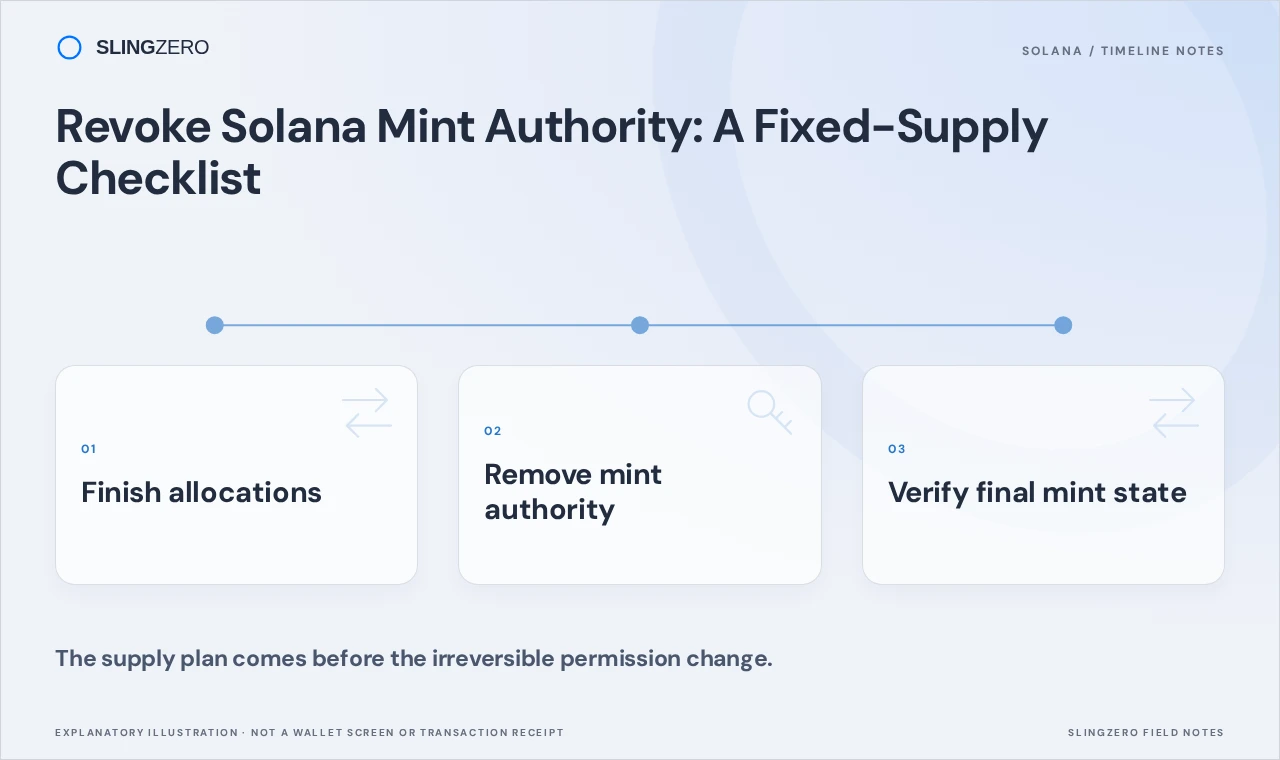
Concept illustration — The supply plan comes before the irreversible permission change.
Reconcile the supply plan
List every intended allocation: public distribution, treasury, rewards, liquidity preparation, and any remaining operational reserve. Compare that plan with the current mint supply and actual wallet balances. Resolve mistakes before opening the revocation workflow.
Do not confuse removing mint authority with making every aspect of the token immutable. Solana's authority documentation describes different authority roles. Each permission should be reviewed on its own terms.
Check the signer and network
Connect the wallet holding the active mint authority and verify the cluster. Keep SOL available for the fees displayed by the tool. Copy the full mint address from your deployment record and compare it with the selected asset.
For a team operation, have the reviewer confirm the mint address and the completion of the supply checklist before the controlling wallet signs. Store this review with the deployment record so future contributors can understand why minting was disabled.
Video: Solana authority and metadata controls
An illustrated look at mint authority, freeze authority and metadata finality. The displayed checks are limited indicators, not a complete security audit.
Watch on YouTubeRevoke the permission with SlingZero
- Open Revoke Solana mint authority.
- Connect the controlling wallet and select the correct network.
- Select the exact token mint and review its current authority state.
- Confirm that no further issuance is needed for this mint.
- Review the fee and revocation request in the wallet.
- Sign the transaction and wait for confirmation.
- Save the signature and inspect the mint authority field onchain.
If the tool shows that authority is already absent, first verify the mint and network. Repeating the revocation is unnecessary once the intended state has been confirmed. If another address controls the authority, only the relevant signer can authorize its removal.
Explain what changed to holders
A useful announcement identifies the chain, mint address, revocation transaction, and supply at the time of the change. State which permission was removed and link readers to verifiable evidence.
Keep other claims narrow. Removing mint authority does not lock liquidity, freeze the market price, validate a project's business model, or prove that metadata cannot change. Holders can assess those separate controls using their own evidence.
It is also useful to preserve a copy of the pre-revocation allocation table. Later burns can reduce the remaining supply, so a historical issuance record helps distinguish the original issuance from the amount that still exists.
FAQ
Fast answers for founders comparing token launch, authority, liquidity, and post-launch workflows.
Can mint authority be restored after revocation?
Removing it is intended to be permanent. Finish issuance and verify the token configuration before submitting the change.
Will revocation burn any of my tokens?
This workflow changes a permission. It does not itself retire balances already held in token accounts.
Does this remove freeze authority too?
No. Review the separate freeze-authority tool if you intend to remove that permission as well.