Create a Meme Coin in One Click
Pick your blockchain, let our AI preload the story, supply, and tags, then launch your token with a single button.
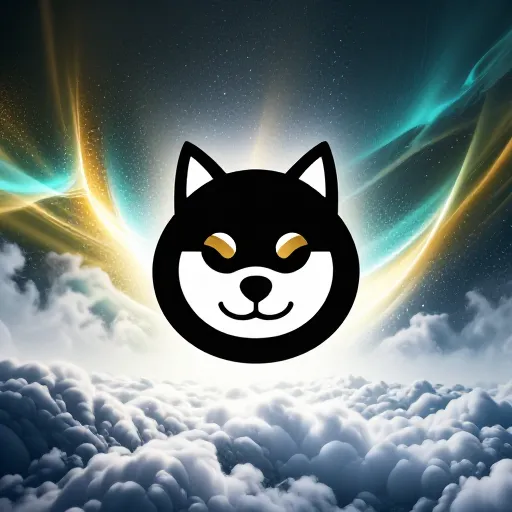
Shiba Dex $SHI2M
Supply
1,000,000,000
Creation price
0.05 SOL
AI tags
Why Slingzero is the meme coin co-pilot
Use ready-to-review workflows for token details, network fees, wallet approval, and the post-launch actions supported on each chain.
Ship in three simple chapters
Every step has guardrails, previews, and checklists so you can go from brainstorm to token launch without second guessing.
Launch in one click
AI preloads art, name, symbol, supply, and tags. Review the preset and wallet transaction before deployment.
Transparent launch pricing
Compare the displayed native-currency service fee and estimated network cost before approving a launch.
Advanced Mode
Want to tweak the AI preset? Jump into Advanced Mode to edit every detail before you deploy or save your launch plan.
Launch FAQ
Fast answers for chain choice, launch cost, token setup, and the AI flow before you deploy.
Need something bespoke?
Talk to the teamPick your playground
Each network uses its own token standard, fees, identifiers, explorer, and authority model. Choose the one your users and operations can support.
Solana
SPL token creation with Devnet rehearsal and configurable authority choices.
Ethereum
ERC-20 contract templates with guided supply, ownership, and optional tax settings.
Polygon
ERC-20 deployments on Polygon PoS with supply, ownership, and optional tax settings.
Arbitrum
ERC-20 deployments on Arbitrum One with guided contract controls.
BNB Chain
BEP-20 deployments with optional tax controls and post-launch management tools.
Sui
Move-native coin packages with wallet-owned treasury and upgrade capabilities.