How to Launch a SPL Token on Solana with Security Built In
A practical SPL token launch guide covering authority decisions, metadata verification, wallet signing, public proofs, and incident preparation.
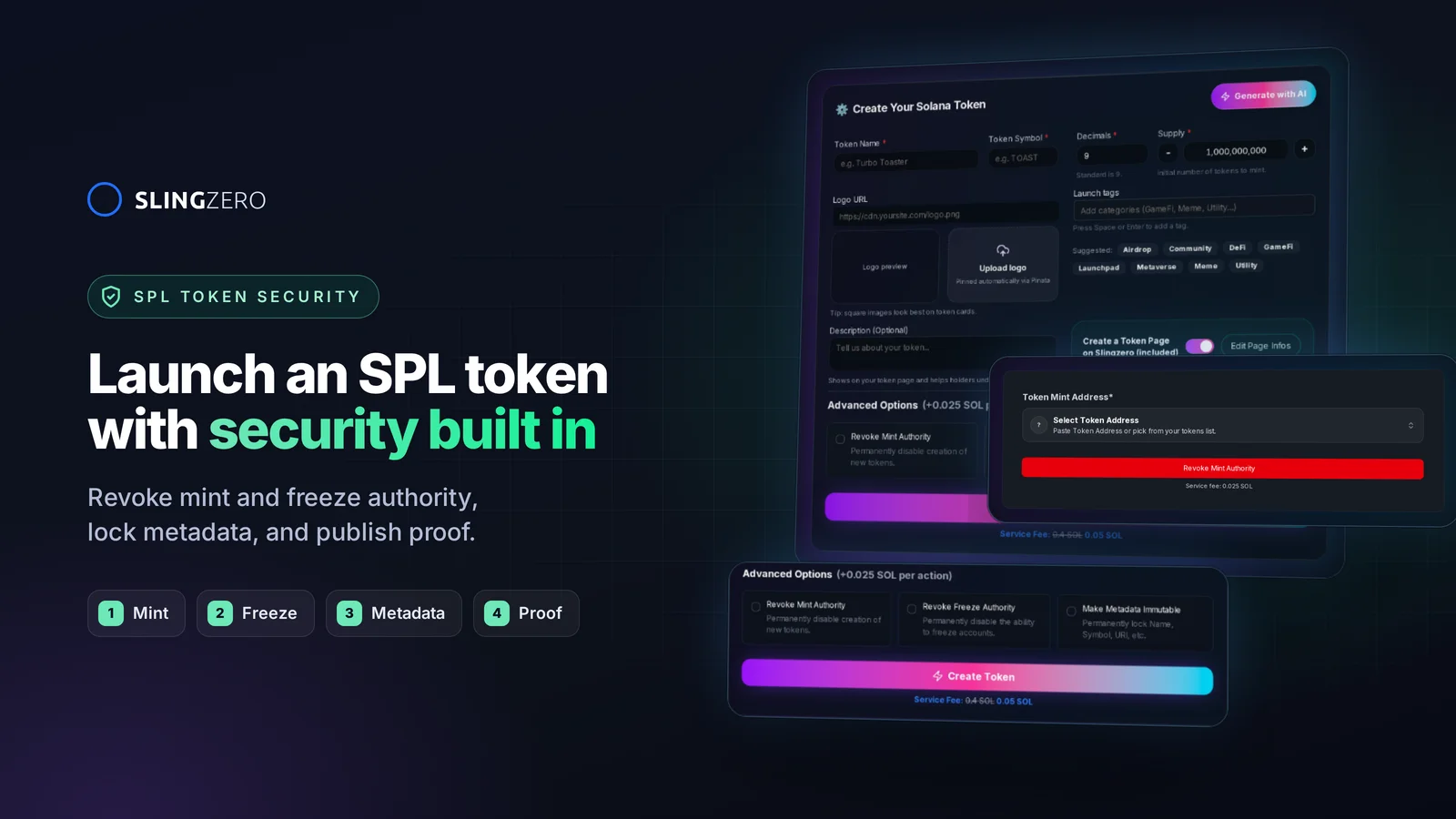
Launch a SPL token on Solana the secure way
A security-first SPL token launch makes authority choices, metadata, liquidity, and public verification part of the launch plan. Use this guide alongside Slingzero’s Solana tools and pair it with the shorter Solana Token Launch Checklist for a day-of run-through.
Key takeaways
- Choose authorities deliberately: retain only the controls your project can explain and secure.
- Verify metadata: confirm the image and JSON URI, then link the mint in the Create Token flow.
- Separate creation from liquidity: verify every pool address and approval because pool creation is an independent transaction.
- Monitor & respond: review supported actions in Activity, monitor the chain independently, and keep an incident runbook.
Jump to: Planning · Pre-launch controls · Launch execution · Post-launch · FAQ
Quick links to Slingzero actions
- Create a secure SPL token
- Revoke mint or freeze authority
- Update Solana token metadata
- Multisender for airdrops
- Manage & audit your tokens
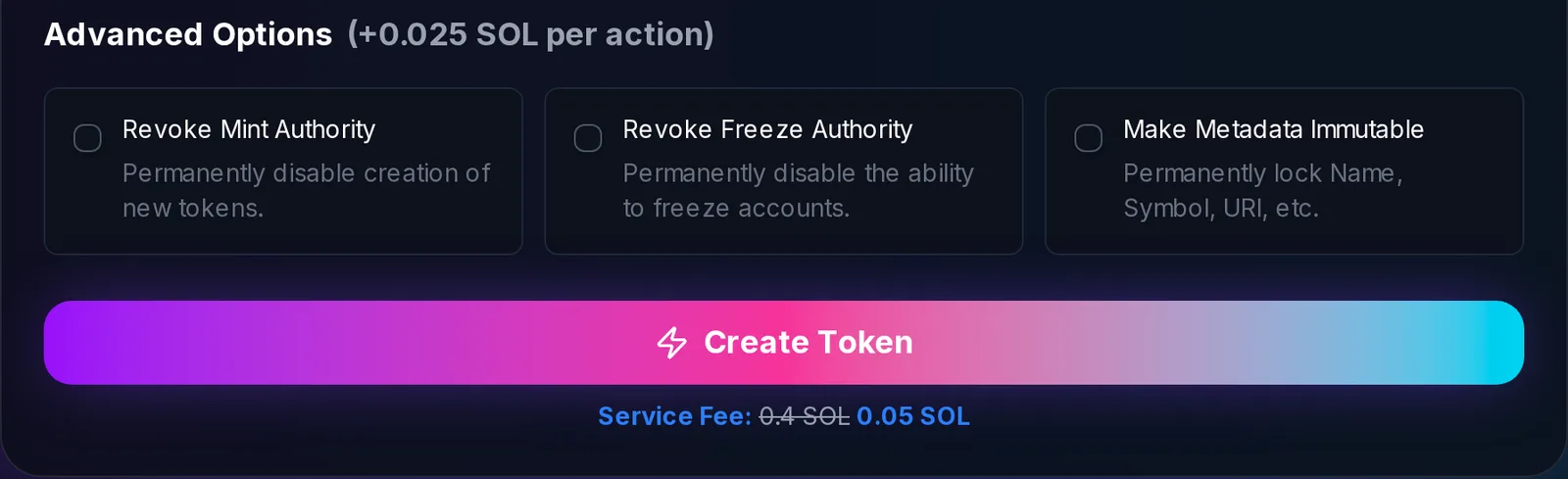
Security-first planning checklist
Define the token’s purpose and disclosure boundaries
- Write down the token’s purpose, supply plan, intended users, and the claims that will appear in metadata or public pages.
- Decide which facts must be disclosed, including retained mint or freeze authority, treasury allocations, and planned liquidity.
- If legal, tax, sanctions, consumer-protection, or licensing rules may apply, obtain advice from a qualified professional in the relevant jurisdiction.
Select infrastructure and custody partners early
- Use hardware wallets or institutional custodians for primary signing keys tied to mint and freeze authority.
- Document the RPC provider, explorer, and monitoring services you will use; keep an independent explorer available for verification.
- Decide which independent RPC, explorer, and analytics services your team will use to confirm on-chain state if one interface is unavailable.
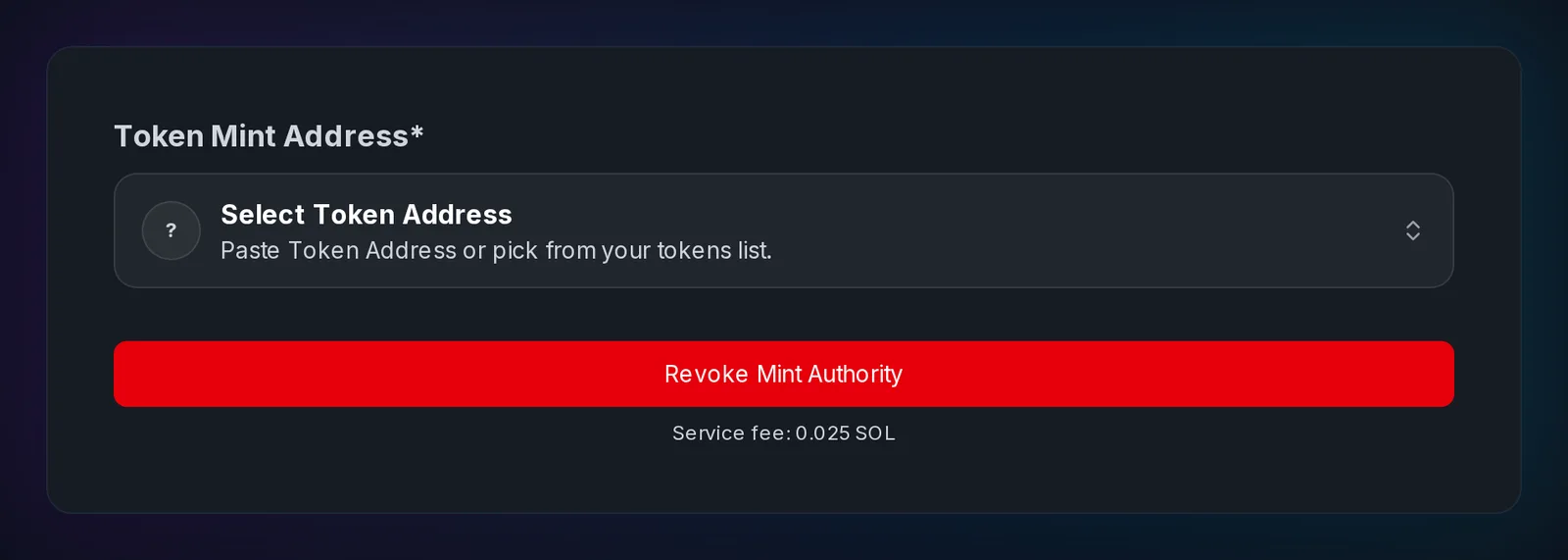
Pre-launch security controls for SPL tokens
Authoritative metadata and code validation
- Use a durable metadata location such as IPFS and record the final URI returned by the creation flow.
- Validate icons and copy using automated accessibility checks and manual review; nothing undermines trust faster than mismatched branding on wallets.
- Run a dry-run mint on Devnet, then re-check every value before creating the separate Mainnet token.
- Add a public metadata proof on your site that links the mint address, CID, and explorer entry.
Authority configuration and least privilege
- Create the token under the intended signer wallet. If your custody policy requires a multisig or separate operational authorities, use compatible reviewed tooling and verify the resulting authority addresses on-chain before launch.
- If you plan to revoke an authority, document the trigger and responsible signer. Do not revoke until the address, supply, and metadata have been verified because revocation is permanent.
- Document each signer’s responsibilities and an escalation path appropriate to your own security program.
- Publish a short “who signs what” matrix and link it from your announcement; transparency improves click-through and reduces wallet-flag anxiety.
Supply, liquidity, and treasury modeling
- Document planned allocations and make sure distribution amounts reconcile with the initial supply.
- Use Slingzero’s Multisender to validate recipient addresses and amounts before preparing a batch transfer. It does not provide anti-bot protection.
- Build an “authority change calendar” detailing when supply unlocks, freeze revocations, or liquidity injections will occur.
Launch execution with security controls
Final validation before minting
- Confirm your wallet network matches the Solana cluster selected in Slingzero; mismatches cause accidental devnet mints and irreversible confusion.
- Save the launch summary, transaction IDs, and explorer records for your own audit trail.
- Keep a live checklist of explorer links, authority public keys, and transaction IDs to distribute the moment minting succeeds.
- Add a permanent verification section on your site with the mint address, explorer record, and current authority state.
Secure liquidity deployment
- When seeding a supported pool, publish the exact pool address, asset pair, and the wallet or multisig policy used to manage the position.
- Use a wallet structure that matches your custody policy; adding more wallets does not by itself reduce risk.
- Enable automated alerts for large swaps or liquidity pulls so the team can respond to anomalies in real time.
- Add a liquidity-proofs block in your launch post with the official pool and explorer links.
Communication and trust signals
- Post an announcement thread that includes mint address, verified metadata hash, Slingzero activity log screenshots, and policy on future authority changes.
- Pin a
security-statussection on your website with direct read-only explorer links for the mint and authority state. - Offer a clear channel—Discord security desk, email alias, or bug bounty portal—for reporting suspicious behavior.
- Link to read-only explorer records and explain which Slingzero management tools the owner used.
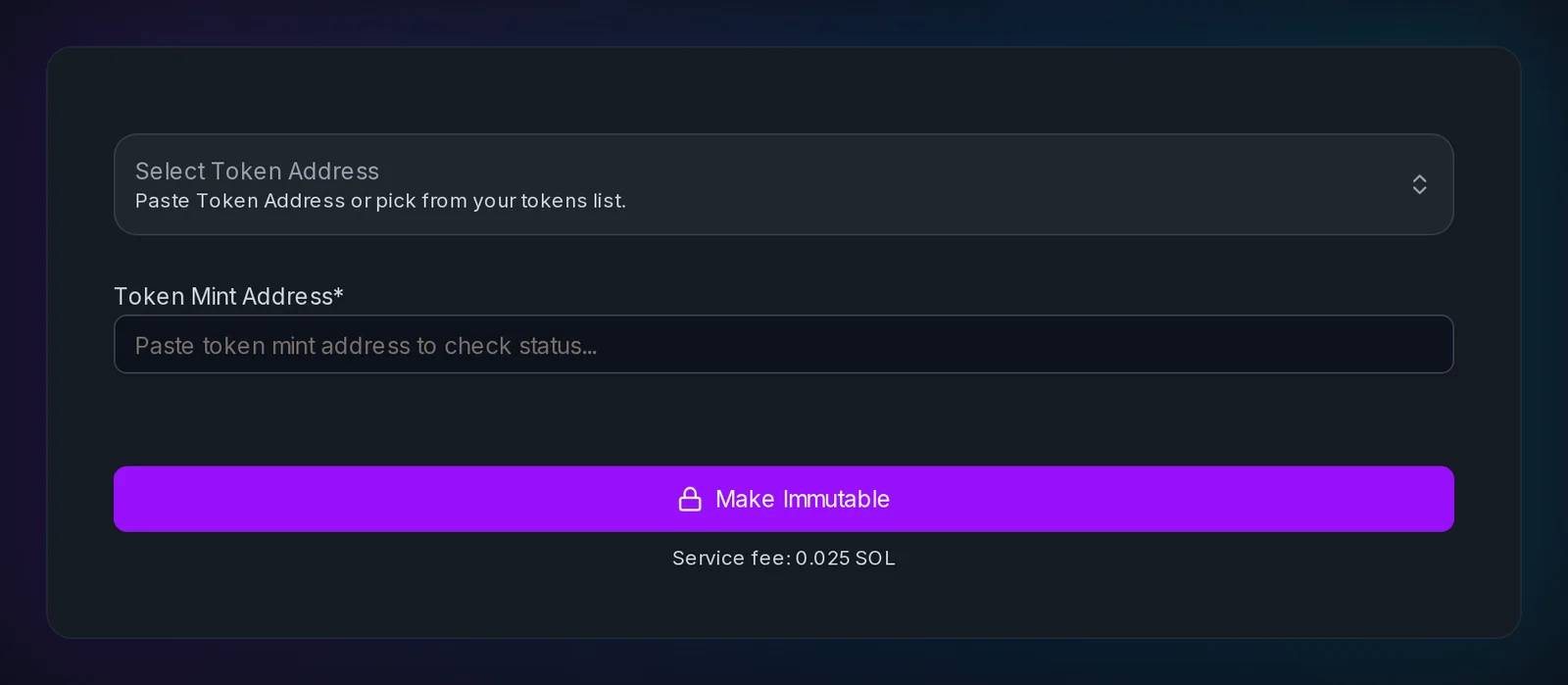
Post-launch monitoring, governance, and incident response
Continuous monitoring
- Review Slingzero’s Activity history for supported actions and use an independent monitoring service when your risk model requires real-time alerts.
- Reconcile internal records with on-chain explorer data for accuracy.
- Monitor supply changes, authority state, and liquidity positions using independent on-chain data.
- Publish a security changelog when authorities, custody, or incident procedures materially change.
Adaptive governance and transparency
- Schedule quarterly reviews of multisig membership, quorum thresholds, and hardware wallet hygiene.
- Publish transparency reports describing total supply, treasury balances, and any security incidents—even if resolved.
- Introduce token holder votes for authority changes once the community is mature enough, documenting proposals in your knowledge base.
- Keep governance updates in a permanent, clearly dated section of the project website.
Incident readiness
- Maintain an emergency runbook with wallet addresses, comms templates, legal contacts, and counterparty obligations.
- Pre-approve freeze authority actions for specific scenario types (drain exploit, phishing wave) so you can act without legal bottlenecks.
- After every incident or near-miss, conduct a blameless postmortem and share key outcomes publicly to reinforce trust.
FAQ: secure SPL token launches
Fast answers for founders comparing token launch, authority, liquidity, and post-launch workflows.
What makes a SPL token launch “secure” on Solana?
Security comes from deliberate authority custody, reachable metadata, Devnet rehearsal, careful wallet review, and public on-chain identifiers that others can verify. Slingzero provides separate Solana tools for supported actions; some controls and liquidity operations require their own transactions or third-party protocols.
How do I prevent wallet flags or unsafe prompts during token creation?
Avoid combining unrelated instructions, ensure metadata URIs are reachable, and read every wallet simulation or warning. If a prompt contains an unexpected program or amount, reject it and verify the route and network before trying again.
How do I revoke mint or freeze authority safely?
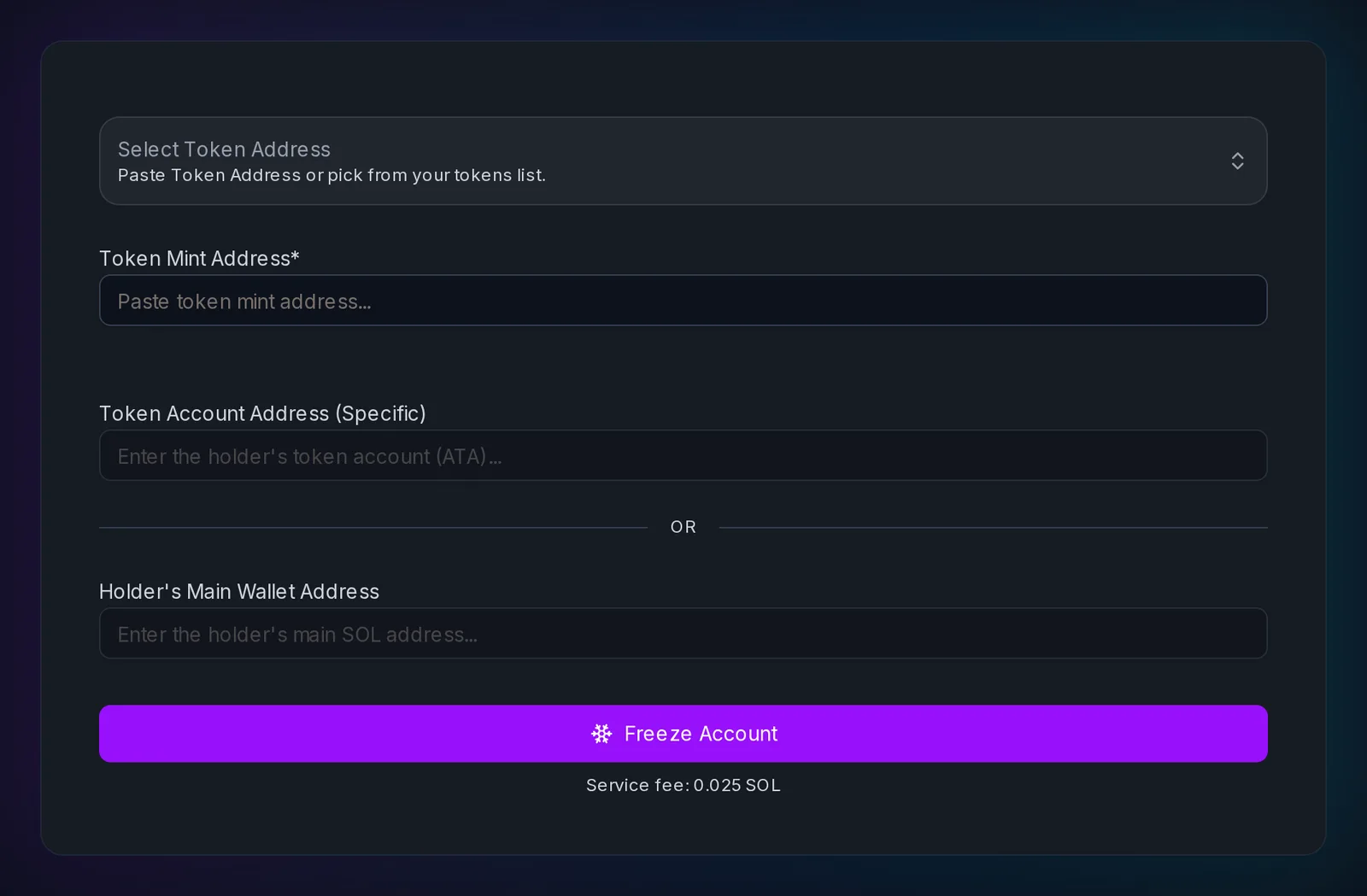
Open Slingzero’s Revoke Freeze Authority flow, verify the selected mint and controlling wallet, confirm the transaction hash, and publish the proof. Treat both mint and freeze revocations as irreversible.
How should I announce a secure SPL token launch?
Publish an announcement that includes the mint address, explorer link, metadata hash or IPFS CID, current authority status, liquidity pool addresses, and a link to your security policy.
Do I need to update metadata after launch?
If your roadmap evolves and update authority still exists, use Update Metadata to refresh supported fields. Announce the change with its transaction ID so holders can verify it.
Conclusion: make security verifiable
Launching a SPL token is about proving that every control—from metadata storage to liquidity governance—was chosen deliberately. Pair the relevant Slingzero tools with independent explorer checks, a documented custody policy, and clear public updates.
Ready to launch securely? Start the flow now: Create a secure SPL token on Solana and keep your authority controls open while you go live.