Slingzero Launches on Fazier
We’re live on Fazier. Learn what Slingzero offers, why founders use it to ship Solana tokens in minutes, and how you can support the launch.
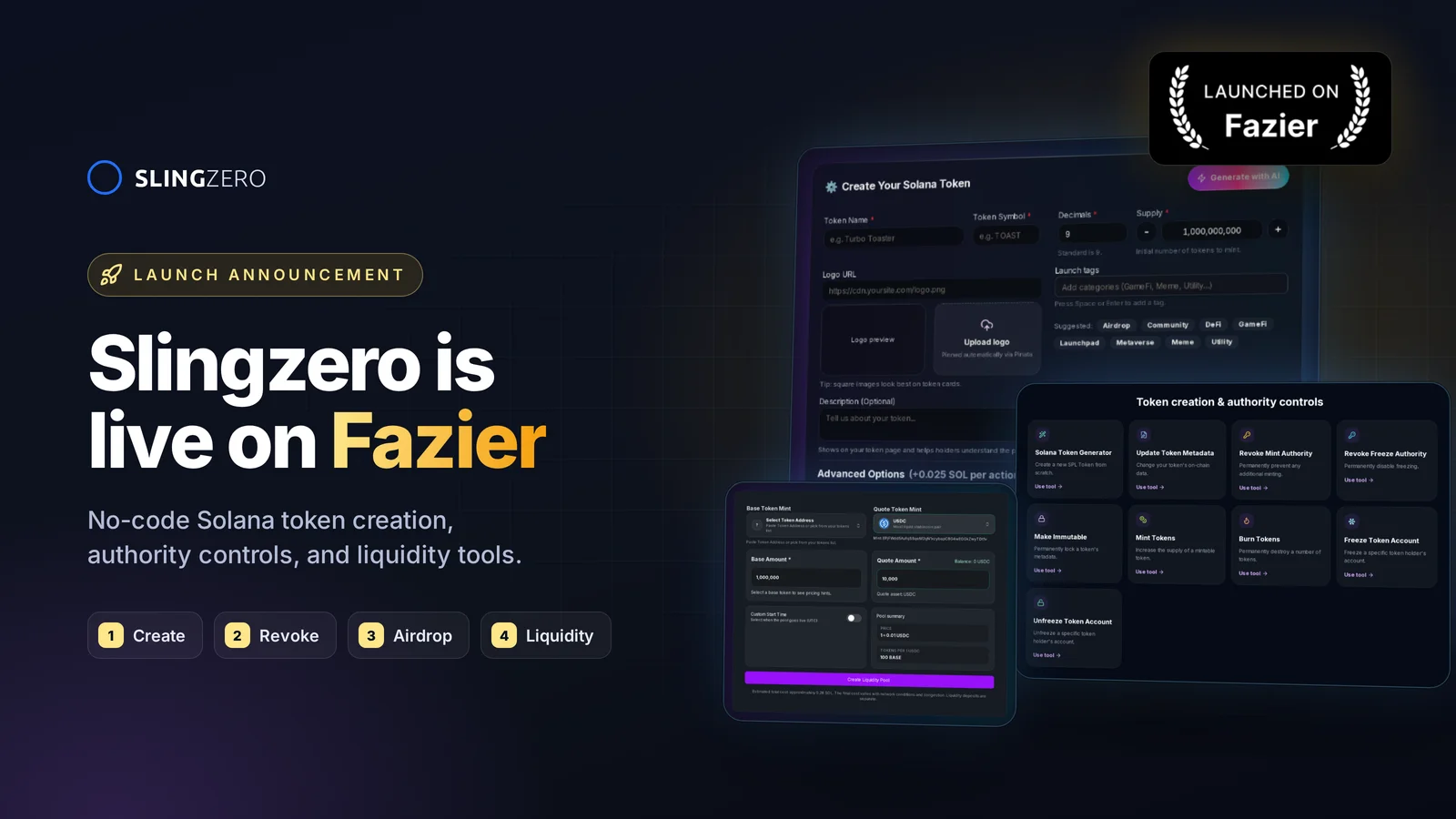
We just launched on Fazier
Slingzero is now live on Fazier. If you are looking for a guided way to launch Solana tokens without writing CLI scripts, this is an invitation to review the product, share feedback, and tell us what you are building.
Quick link: Visit the Fazier launch page to upvote, comment, and share what use case you want us to support next.
What Slingzero does for builders
- No-code token creation: Run the Create Token flow end to end in minutes, with metadata pinning and rent handled automatically.
- Security-first defaults: Control mint/freeze authorities, make metadata immutable via Fix Security, and publish proofs for holders.
- Distribution and liquidity workflows: Prepare airdrop allocations with Solana Multisender, configure supported pool actions through Liquidity Pool Tools, and retain confirmed explorer records.
- Team-ready workflow: Ops, finance, and marketing use the same UI and exportable records—no CLI wrangling or custom scripts per teammate.
How to support the Fazier launch
- Drop an upvote and a short review on the Fazier page—mention your use case (community token, game currency, governance token, meme coin).
- Share the listing with founders and growth leads who need a faster Solana token launch; word of mouth helps us ship the next set of features.
- Ask questions in the comments; we’re replying live with setup tips, authority checklists, and screenshots.
Launch-day quickstart (5 minutes)
- Open the Create Token flow and connect your wallet (Devnet to rehearse, Mainnet when ready).
- Add final metadata, preview it, and choose your authority plan—keep mint authority if you’ll mint more, or revoke once supply is final.
- Verify the mint address on Solana Explorer and share a manage page link so anyone can check status.
- Distribute allocations with Solana Multisender and publish transaction links for transparency.
- Seed liquidity with Liquidity Pool Tools when ready, then monitor everything in Activity.
Why we’re excited about Fazier
Fazier helps teams discover software products. Listing Slingzero there gives Solana founders another route to find its token creation and management workflows. Visit the listing, review the current product, and tell us which launch steps still need clearer tooling.
Looking to learn more about the underlying token model? Start with Solana’s official guides to tokens and token basics, then verify every completed transaction on a public explorer.