Snapshot airdrop
New holders, batches of 10.
Solana · Multisender
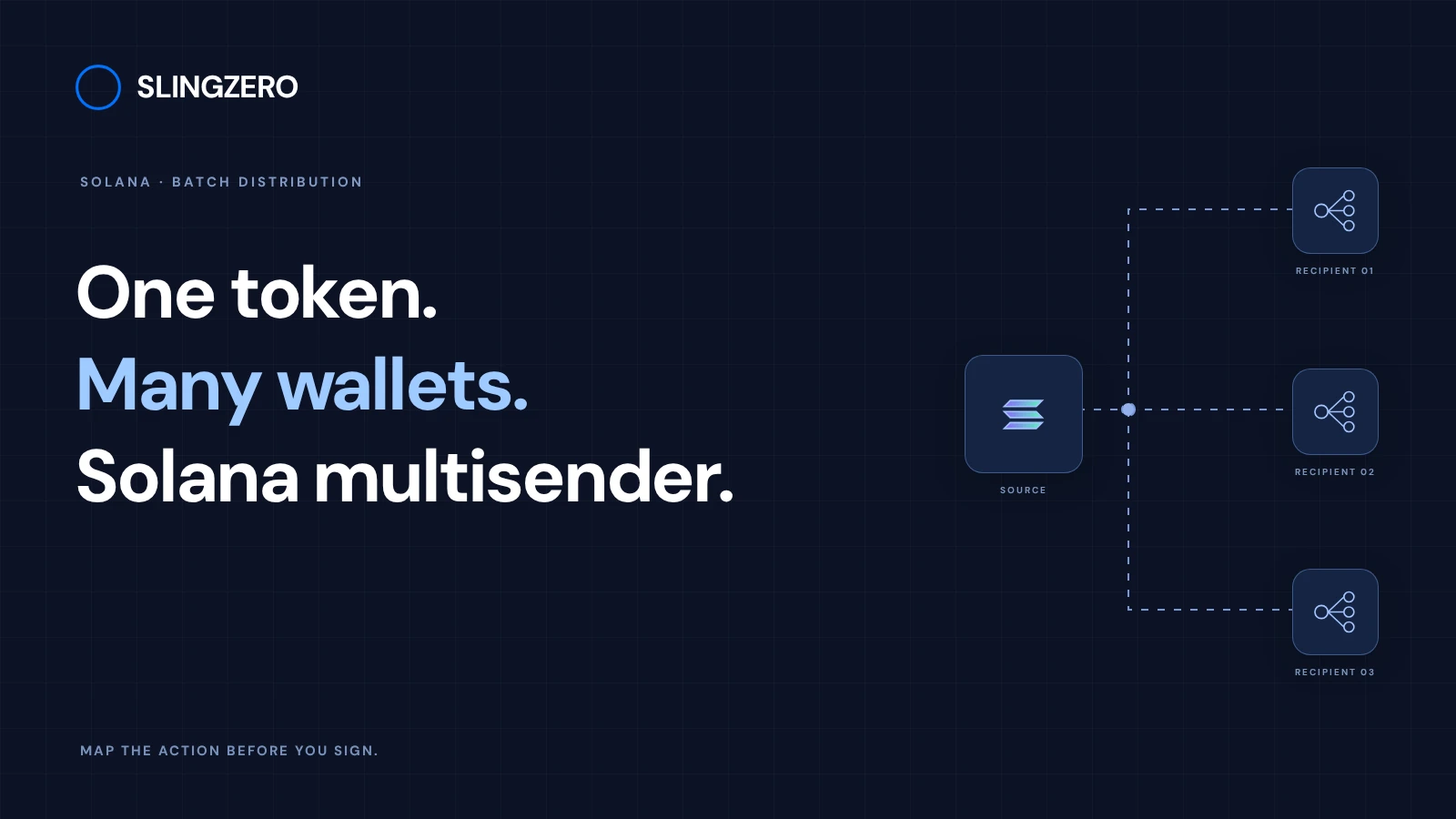
Bulk send SPL tokens to a list of Solana wallets, batched into a few transactions you approve one by one.
To bulk send SPL tokens on Solana, pick the token, paste one wallet and amount per line, then approve one wallet prompt per batch. Each transaction carries 12 recipients by default, one SPL Transfer each, and opens a token account at your expense for wallets that never held the token. Slingzero charges 0.003 SOL per recipient. Classic SPL Token mints only.
One line per wallet: address first, amount second, in whole tokens.
| You paste | Read as | Outcome |
|---|---|---|
| 7xKX…, 150 | 150 tokens | Sent |
| 7xKX… 2.5 (space or tab) | 2.5 tokens | Sent |
| 7xKX…, 25_000 | 25000 tokens | Underscores are stripped |
| 7xKX…, 1,000 | 1 token | The comma splits the number |
| wallet,amount header | No amount | Line silently dropped |
| wallet, amount, note | Third column ignored | Sent |
One transaction per batch, signed by your wallet alone.
Step 1: Service fee
0.003 SOL times the batch's recipients, to Slingzero.
Step 2: Create associated account
Only where the recipient has none; your wallet funds it.
Step 3: SPL Transfer
Your token account to theirs, in base units.
Amounts become base units by string math, so 2.01 tokens at 6 decimals is exactly 2,010,000. Before each batch your token account is reread for balance and freeze state.
The 1,232-byte limit, not the 25 cap, sets a safe batch.
| Recipients | All already hold the token | None hold it yet |
|---|---|---|
| 10 | 749 bytes, fits | 1,223 bytes, fits |
| 12 (default) | 843 bytes, fits | 1,399 bytes, too large |
| 20 | 1,219 bytes, fits | Too large |
| 21 to 25 | Too large | Too large |
Tokens, SOL and a clean list.
Per address, per batch and per new holder, all in SOL.
Slingzero fee
Per recipient, Devnet included.
0.003 SOL
Paid in SOL
Base fee
5,000 lamports, one signature.
Shown in your wallet
Paid in SOL
Rent deposit
Per new 165-byte token account.
Shown in your wallet
Paid in SOL
No priority fee. The total fee shows under the send button.
The deposit stays in the recipient's account; only that owner can close it and reclaim the SOL. Existing holders cost no rent.
Confirmed batches stay sent; the run stops.
Step 1: Collect signatures
From each Batch n/total confirmed toast.
Step 2: Check on Solscan
See who each batch paid.
Step 3: Trim and resend
Delete those lines; a full resend pays them twice.
No explorer button here: paste each batch signature into Solscan.
Solscan checklist
For a Devnet run, switch Solscan to Devnet first.
Most broken airdrops come from list formatting, not from the chain.
Fixed lists of amounts paid from one wallet.
New holders, batches of 10.
Existing holders, batches up to 20.
Different amounts per wallet.
The CLI pays one wallet per command; the form batches the list.
By hand: spl-token transfer --fund-recipient <TOKEN_MINT_ADDRESS> <TOKEN_AMOUNT> <RECIPIENT>, once per recipient.
| spl-token CLI | Slingzero | |
|---|---|---|
| Recipients per run | One | Your whole list, batched |
| Signing | Keypair file | Wallet, once per batch |
| Cost | Base fee and rent | Plus 0.003 SOL per address |
Quick answers on fees, wallet requirements, and what happens after you approve the transaction.
Still have questions?
Talk to the teamStep-by-step guides from the Slingzero blog for this tool.