Token Creation Costs: Service Fees, Gas and Asset Deposits
Budget a token operation by separating SlingZero service costs, network execution and committed assets. Reconcile partial results by transaction.
Illustration and design · SlingZero
Token creation costs should separate application service fees from network gas, with liquidity deposits or distribution allocations recorded as committed assets. Separating them makes launch budgeting clearer and makes failed or partial workflows easier to reconcile afterward.
Bucket one: application service costs
Read the service cost displayed by the current tool and network configuration. A figure in an older article or screenshot is a historical observation, not a permanent price promise. Identify which operation the cost belongs to and whether it is included in the main transaction or presented as a separate step.
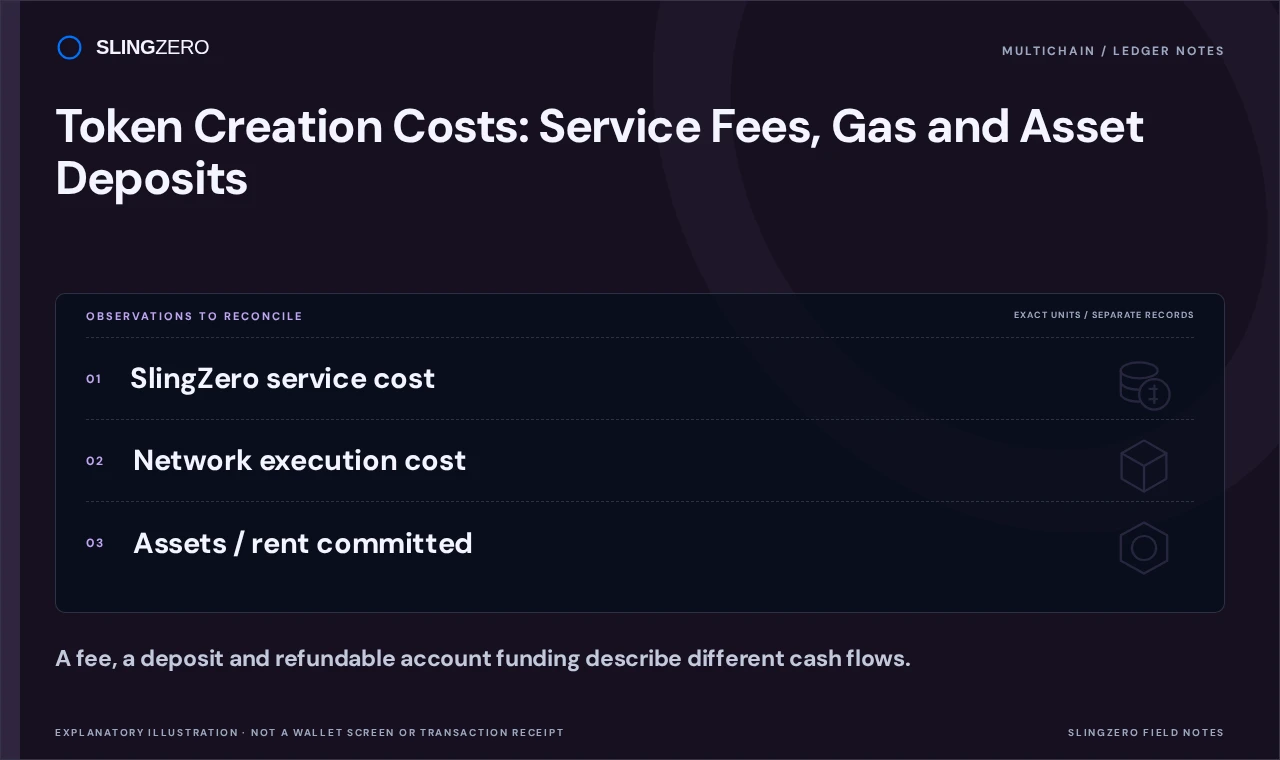
Concept illustration — A fee, a deposit and refundable account funding describe different cash flows.
Bucket two: network execution
Keep the relevant native asset available for gas or other network execution requirements. Ethereum's gas documentation supplies the background for the EVM case; other networks have their own accounting and account-creation details.
A transaction's network fee is not necessarily paid in the token being created or distributed. A wallet can therefore have enough project tokens while still lacking the asset needed to execute the action.
Bucket three: assets committed by the operation
A liquidity deposit is not merely a fee. It commits assets to a position with its own ownership and withdrawal rules. A multisender distribution, for example with the BNB Chain multisender, likewise sends the allocated token amounts in addition to execution costs. Keep those values separate in the budget.
For workflows that create accounts or objects, inspect any additional costs shown by the live tool rather than assuming the only expense is the advertised service figure.
Build the budget from the actual interface
Start with SlingZero pricing, then inspect the specific tool's current review screen, such as the Solana SPL token creator or the Sui coin publisher.
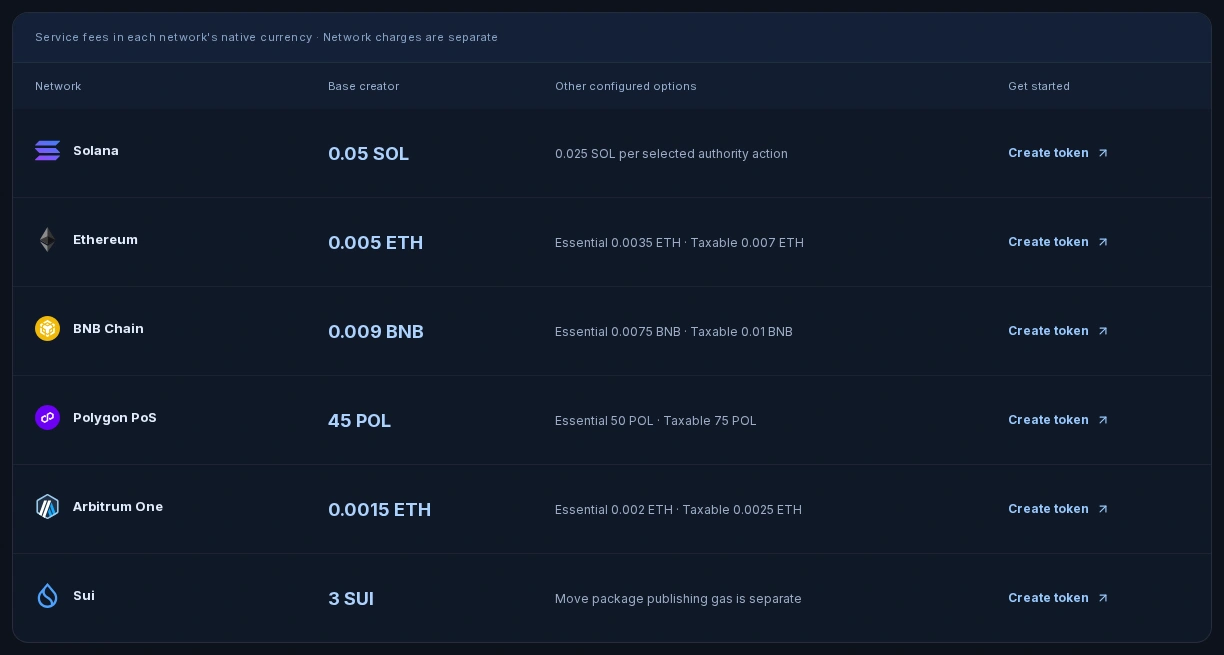
The public creation-service fee table on SlingZero at capture time. Network costs and optional actions are separate; check the current interface before approving a transaction. Open this tool. Click the screenshot to enlarge.
Record the operation, network, service cost, network estimate, committed assets and a practical remaining operating balance. The purpose is to understand the categories, not to recommend a fixed reserve amount for every transaction.
Reconcile a partial result correctly
If an approval or fee-related transaction completes but the main action does not, preserve the individual transaction records. Do not declare the operation successful because a cost was paid, and do not assume every cost will be reversed if a later step fails.
Compare the actual transactions and resulting state with the original budget. Explain any difference by category so the team knows whether it came from execution, a service step or assets committed to the intended action.
A clear budget remains useful when prices or network conditions change because its structure survives the numbers. That is a stronger operating habit than copying one total from a launch tutorial and hoping it still describes the next transaction.