Manage Cetus Liquidity on Sui: Pair and Range Checks
Review a Cetus liquidity position on Sui by checking coin types, pool identity, price orientation and supported range settings in SlingZero.
Illustration and design · SlingZero
Planning Cetus liquidity on Sui means identifying both coin types, the actual pool or position and any price-range settings supported by the workflow. Planning the token pair without planning the range leaves out an important part of the position. Before using a Sui liquidity interface, identify the supported pool model and the price interval the operator intends to manage.
Separate the pool from the position
A pool identifies a market context. A position can express a particular allocation within that context. Two positions associated with the same pair do not necessarily have identical ranges, amounts or management requirements.
The Cetus CLMM overview explains concentrated liquidity in terms of selected price ranges. Use that as conceptual background, then verify the exact pool and position options exposed by the supported SlingZero workflow.
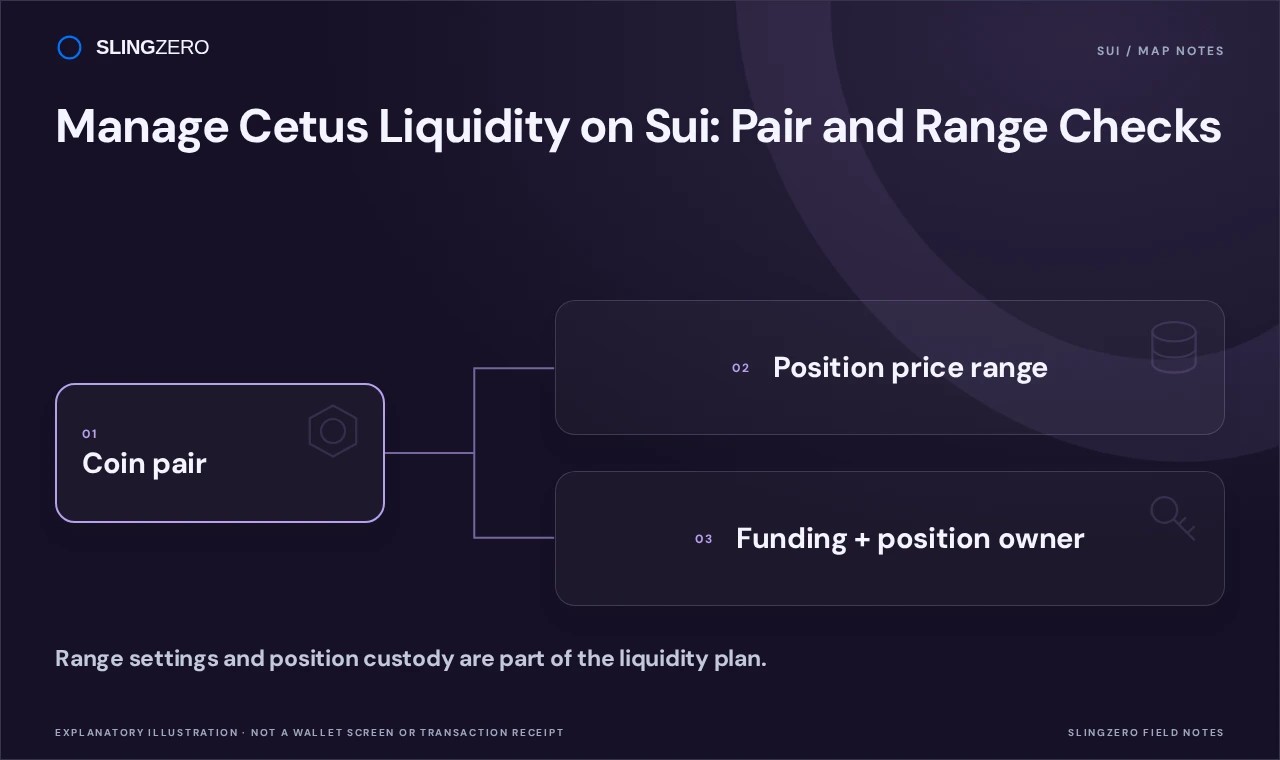
Concept illustration — Range settings and position custody are part of the liquidity plan.
Fill in a position worksheet
Record both full coin types (for your own coin, the type returned by the Sui coin creator form), the selected network, pool identifier where applicable, fee configuration shown by the tool and the intended range. Check which asset is the base of the displayed price and which is the quote. Reversing that interpretation can reverse the meaning of a proposed bound.
Use a worksheet with a separate entry for each decision:
- Coin A type and coin B type
- Pool or position identifier and current owner
- Price orientation: units of which coin per unit of which other coin?
- Intended bounds, if the supported workflow exposes them
- Amounts, costs and the person responsible for later review
Write the intended amounts beside the range. If the interface calculates or adjusts a paired amount, understand that relationship before approving it. This is a preparation exercise, not a recommendation about where a market price will move.
Inspect the actual liquidity screen
Open Sui liquidity tools and review the current supported Cetus flow.
Connect the funding wallet only after the pair and identifiers are clear. Inspect the displayed pool model and available position settings. Do not assume that a particular range control exists simply because another Cetus or CLMM interface offers it.
Keep SUI available for costs and examine the assets, amounts, destination position and transaction request. A token approval or preparatory step should be tracked separately from the operation that actually creates or changes liquidity.
Define the management plan before opening
Decide who monitors the position, what information triggers a review and how the team will record additions, removals or range changes. A concentrated position can require different attention from a simple passive allocation across a full curve.
After confirmation, preserve the digest and resulting position identifier. Reconcile ownership, amounts and range with the worksheet. If the UI has not refreshed, inspect transaction evidence before submitting another position request.
Finally, communicate the position as it exists. Providing liquidity is not a promise of returns, a permanent lock or a guarantee of uninterrupted market depth. A clear record of its model, range and custody is a more useful starting point for future decisions.