Mint Sui Coins: TreasuryCap, Coin Type and Recipient
Mint Sui coins by checking the full coin type, TreasuryCap and intended recipient. Reconcile the issuance before repeating a request.
Illustration and design · SlingZero
To mint Sui coins through the supported Coin workflow, identify the full coin type, the controlling TreasuryCap and the intended recipient. Keeping those questions separate prevents a common error—mistaking a visible coin balance for permission to create additional units.
Which coin type is being issued?
Use the full coin type from the deployment record. Confirm the network and compare the selected asset with the intended type, not just with a familiar logo or symbol. A team operating on testnet and mainnet should keep separate issuance records.
Write down the whole-coin amount and review its decimal representation. The requested quantity should fit the project's approved issuance plan, not simply the maximum the interface appears to permit.
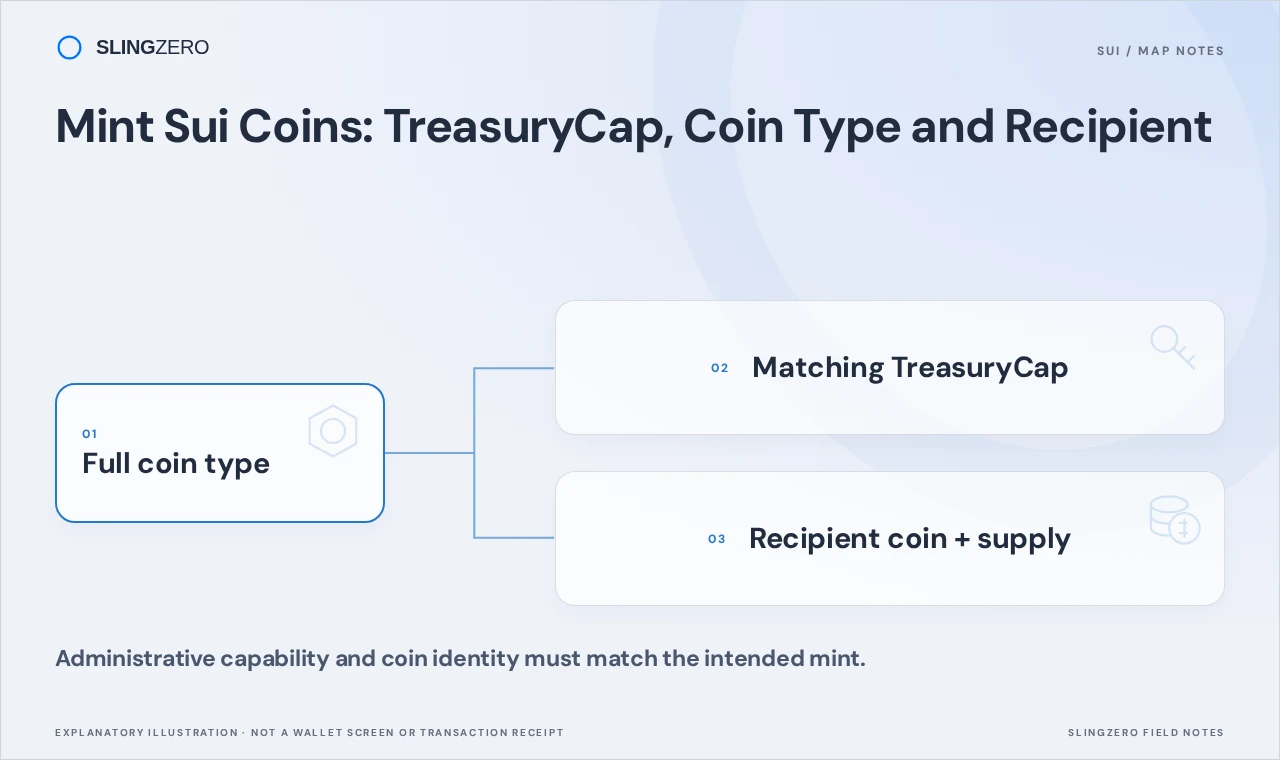
Concept illustration — Administrative capability and coin identity must match the intended mint.
Which capability authorizes the action?
The supported Coin workflow depends on the relevant TreasuryCap and its current control state. The Sui coin framework reference is the implementation source for minting and supply-related operations.
Holding units of the coin does not automatically grant control of that capability. Likewise, being the original publisher does not prove that a capability transferred later is still available to the same account. Inspect the current object and owner.
Which account should receive the issuance?
Prepare the destination in the team's allocation record and verify it independently. A correct mint sent to an unintended recipient is still an operational mistake. Distinguish the receiving wallet from the administrative capability being used to authorize issuance.
Open Mint Sui coins to follow the actual supported process.
Connect the controlling wallet, select the coin type and review the amount and recipient fields the tool exposes. Keep SUI available for the costs shown. Inspect the wallet request before signing and save the successful transaction digest afterward.
Reconcile issuance before repeating it
If a request appears to time out, inspect its digest before trying again. A stale portfolio display can hide a completed issuance. Repeating the request would add another allocation rather than refresh the original one.
After confirmation, compare the resulting supply and destination holdings with the approved plan. Record the amount, recipient, coin type and digest together. That record should explain the purpose of the issuance without relying on a wallet operator's recollection.
If the project intends to stop future issuance afterward, review that capability decision separately. Do not improvise a permanent permission change simply because the mint transaction succeeded. Finish every planned allocation, inspect remaining operational requirements and preserve the evidence for any finality choice.