Polygon Multisender: Audit Your Recipient List Before Sending
Audit a Polygon multisender recipient list for identity, duplicates, units and version control before approving the distribution.
Illustration and design · SlingZero
A Polygon multisender recipient audit checks addresses, duplicate allocations, token units and list versions before the distributing wallet approves a batch. Duplicate rows, mismatched units and addresses copied from the wrong source can all survive a superficial review. A Polygon multisender workflow should therefore start with a data audit, not with the Send button.
Audit the list in four passes
-
Identity pass: confirm where each recipient address came from and whether it is intended for this network and asset. Do not substitute a username for an address record.
-
Duplicate pass: flag repeated addresses. Some repeats may represent separate authorized allocations; others may be accidental. Resolve the policy rather than silently merging or sending them all.
-
Amount pass: check the expected units and token decimals. Compute the total independently of the application's displayed total.
-
Version pass: freeze a reviewed copy of the list. A distribution cannot be reconciled reliably if the original spreadsheet changes during execution without a record.
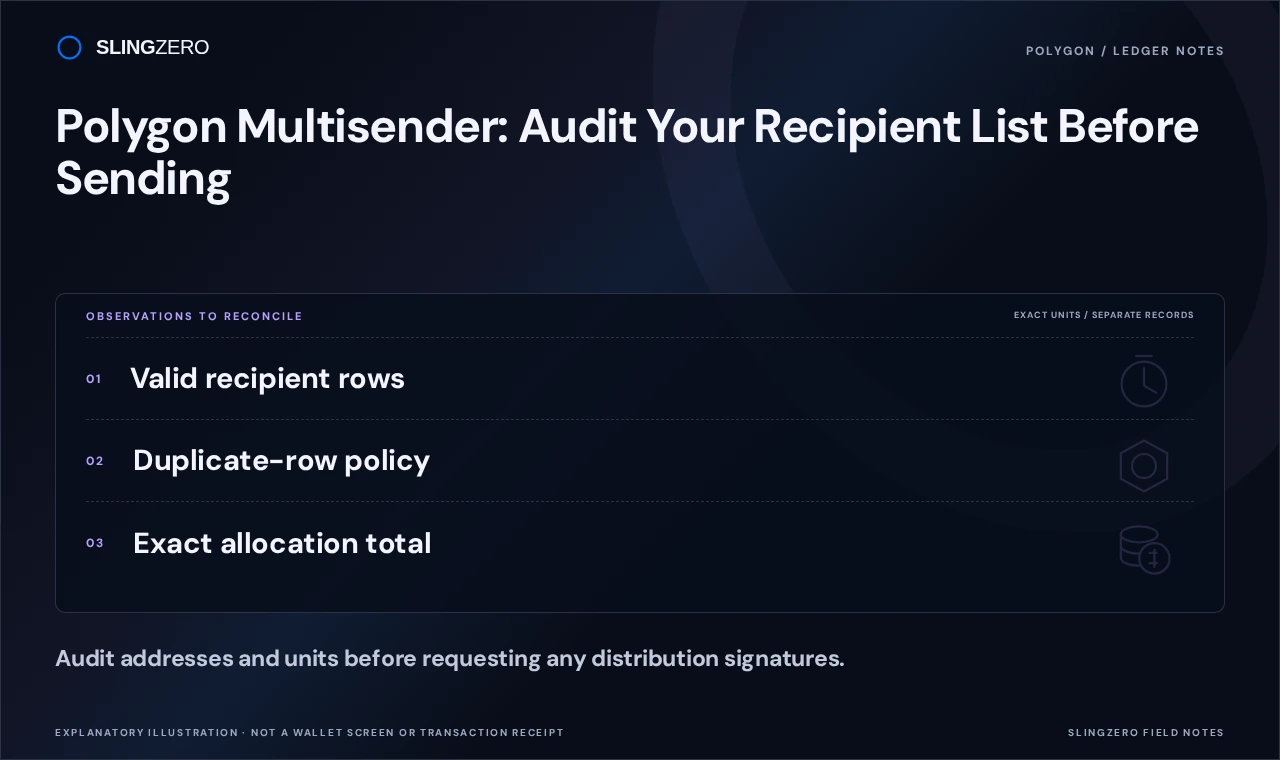
Concept illustration — Audit addresses and units before requesting any distribution signatures.
Match the audited data to the live tool
Open Polygon ERC-20 bulk sender and compare its required input format with the reviewed list.
Connect the distributing wallet, verify the selected token contract (for a token made with the Polygon token generator, the address in its deployment record) and inspect parsing errors before proceeding. Confirm that the loaded recipients and amounts match the intended allocation. Keep the native gas asset available in addition to the token balance and any service cost shown.
The ERC-20 interface reference provides background for transfers and allowances. Actual behavior still depends on the selected token's implementation; a restricted or fee-bearing asset may not behave like an ordinary plain-transfer token.
Define completion before the first signature
Create a ledger with recipient, planned amount, batch identifier, transaction hash and observed result. That ledger is more useful than a single statement that “the airdrop was sent.” Multiple wallet approvals or transactions can produce a partial result.
If an allowance request appears, inspect the token, spender and amount separately from the eventual distribution request; the Polygon tools hub hub links the other Polygon operations. A successful approval does not establish that recipients received tokens.
Retry the remaining work, not the original file
After an interruption, inspect confirmed transactions before sending again. Mark completed allocations and build a remaining-recipient list from that evidence. Resubmitting the entire original file can duplicate payments to recipients whose earlier batch succeeded.
Finally, reconcile the sum of completed allocations against the authorized total. Explain differences rather than adjusting the ledger to make the numbers agree. A clean audit trail makes the distribution understandable to the treasury team and gives support staff a useful answer when an individual recipient asks about their allocation.