Renounce Token Ownership on Arbitrum: What to Check
Review Arbitrum token owner permissions before renouncing ownership, use SlingZero to submit the transaction, and verify the resulting contract state.
Illustration and design · SlingZero
Key takeaways
- Renouncing ownership removes the permissions tied to a compatible owner role.
- Separate roles, upgrade authority, and external contracts need their own review.
- Finalize every owner-only setting you still need before submitting the transaction.
Renouncing token ownership on Arbitrum removes the permissions attached to a compatible owner role; review the remaining roles and required settings before signing. The meaningful question is what the owner can do today and what will stop working afterward. Treat the decision as a permissions change with permanent operational consequences, not a badge that establishes a project's overall safety.
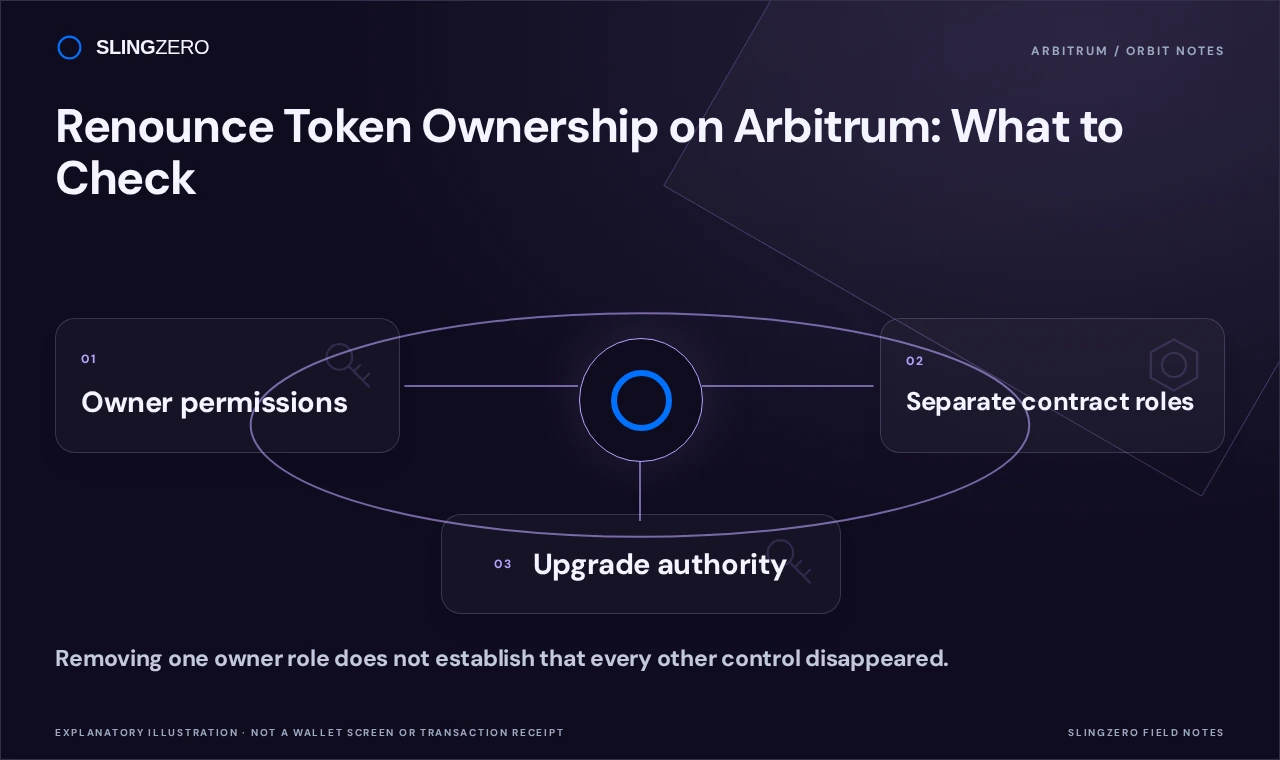
Concept illustration — Removing one owner role does not establish that every other control disappeared.
Understand the owner role
Many EVM contracts use an ownership pattern in which one address controls privileged functions. The OpenZeppelin access-control guide explains the Ownable model and its renunciation behavior. The deployed token's implementation remains the source of truth.
A contract can also use independent role-based permissions or an upgradeable proxy. An owner field showing the zero address does not by itself answer whether another address can mint, upgrade, or change a related system. Review the source and any proxy relationships before making broad claims.
Prepare a permissions checklist
Confirm the token contract on Arbitrum, the connected owner wallet, and the current network. Keep ETH on Arbitrum for transaction fees. Check whether you still need to change a tax parameter, resume paused transfers, remove an address restriction, or finish another supported administrative action, such as a final Arbitrum token mint.
Record each owner-only operation and the effect of losing it. If an unresolved configuration would prevent expected token transfers, address it first. Teams that need ongoing administration should evaluate an appropriate governance or multisignature arrangement rather than renouncing simply to satisfy a checklist.
Use the SlingZero ownership tool
- Open Revoke ownership on Arbitrum.
- Connect the address that actually controls the compatible contract.
- Select the token and compare its complete address with your deployment record.
- Recheck the current owner and any warnings the tool displays.
- Review the fee and intended ownership transaction before confirming in the wallet.
- Wait for the successful receipt. Save the hash as part of the project's administrative record.
A rejected request or reverted transaction does not complete renunciation. If ownership already changed in another transaction, refresh the contract state before trying again. Never switch contracts merely to make a failing transaction go through.
Verify more than the success message
Read the owner value after confirmation and compare it with the expected renounced state. Then inspect separate administrative roles and proxy controls if the token has them. A useful community update distinguishes the permission that was removed from the controls that remain.
Link the transaction and contract address, describe the owner-only functions affected, and avoid claiming that ownership renunciation proves liquidity, such as a SushiSwap pool on Arbitrum, is locked or that trading is risk-free. Those are separate questions with separate evidence.
FAQ
Fast answers for founders comparing token launch, authority, liquidity, and post-launch workflows.
Can I reclaim ownership later?
For a conventional Ownable renunciation, owner-only access is intentionally removed. Do not rely on being able to restore it through the same ownership mechanism.
Does renouncing ownership revoke a proxy administrator?
Not automatically. Upgrade administration can exist separately from the token's owner field and needs its own inspection.
Why does SlingZero reject my wallet?
The connected address may not be the current owner, the token may use a different permission model, or the contract may not support the expected interface. Verify the contract before proceeding.