Transfer a Sui TreasuryCap: A Coin Control Handoff
Prepare a Sui TreasuryCap transfer, verify the capability object and recipient, and use SlingZero to hand over supported coin administration safely.
Illustration and design · SlingZero
Key takeaways
- A TreasuryCap is an administrative capability, not an ordinary coin balance.
- Verify the coin type, capability object, recipient, and network before transfer.
- Other capability objects and metadata permissions need their own handoff plan.
A Sui TreasuryCap transfer changes who controls that capability object; it should be planned separately from transferring ordinary coin balances. The most important part is identifying exactly which object is moving and what the receiving address will be able to do with it.
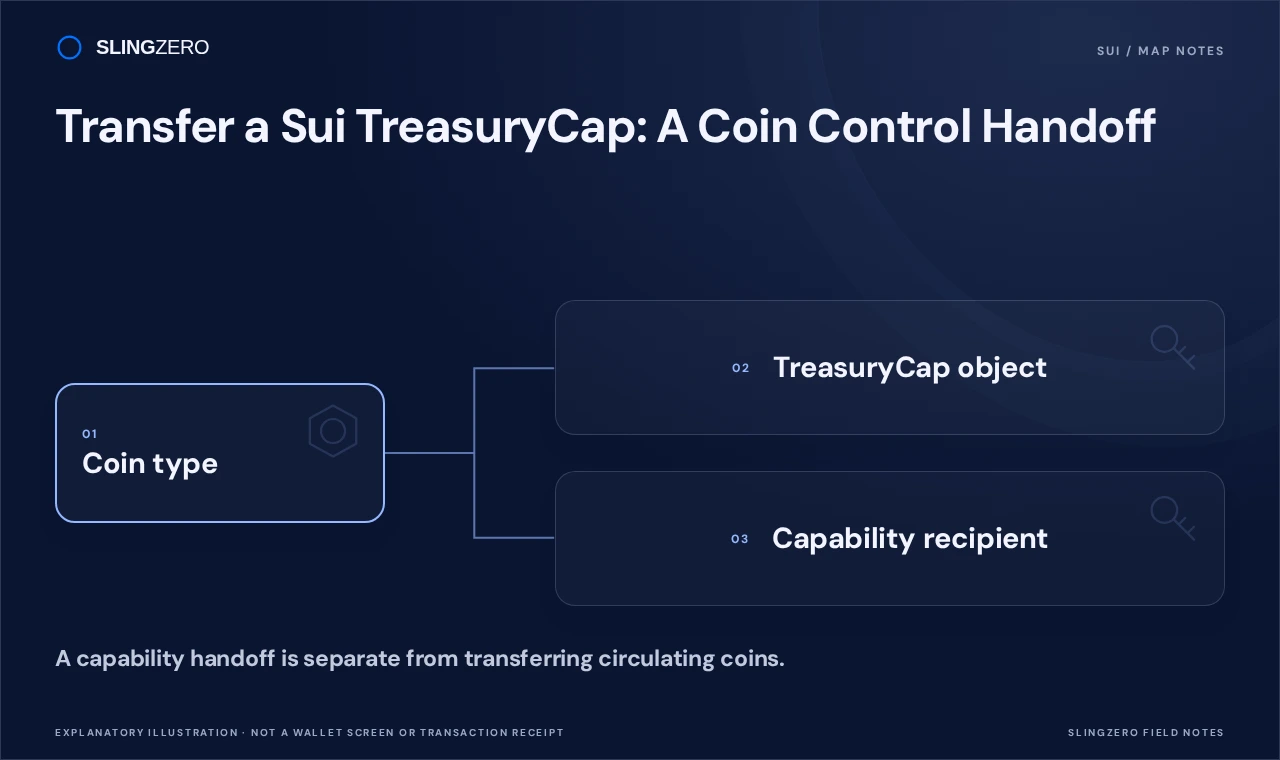
Concept illustration — A capability handoff is separate from transferring circulating coins.
Separate coin balances from administrative capability
Sui uses objects to represent both assets and capabilities. The Sui Coin standard documentation describes the TreasuryCap within the Coin model. Holding units of a coin is different from holding the capability used for its administration.
Copy the full coin type and the relevant capability object ID from your deployment records. Similar names and symbols can refer to different coin types. Confirm the network as well: a mainnet handoff and a testnet rehearsal are independent operations.
Prepare the receiving wallet
Verify the receiving address through an independent channel appropriate to the team. Confirm that the intended operators can access and use that wallet before moving administrative control. If the destination is a custody or multisignature arrangement, check that it supports the operation you intend to perform afterward.
Document the planned owner, reason for transfer, and operational responsibilities. Keep enough SUI in the sending wallet for the transaction and any service costs shown. A correct transfer to the wrong operational destination can still leave the team unable to carry out its plan.
Transfer through SlingZero
- Open Transfer Sui TreasuryCap.
- Connect the wallet that owns the supported capability.
- Select the intended network and coin type.
- Inspect the detected TreasuryCap and compare its object ID with your record.
- Enter the receiving address and check every part of it before proceeding.
- Review the capability transfer, fee, and wallet request.
- Sign the transaction, wait for confirmation, and retain its digest.
If the capability is not detected, investigate its current owner and object state rather than choosing a similarly named coin. A frozen or otherwise non-transferable configuration may require a different operational decision.
Verify the new owner and finish the handoff
Inspect the TreasuryCap object after the transaction and confirm its new owner. Have the receiving team independently verify the same object and coin type. Verification should not require an unnecessary Sui coin mint or burn on Sui merely to prove that the wallet can see the capability.
Complete a separate inventory of metadata ownership, package upgrade capability, and any regulated-coin administration that exists. Moving TreasuryCap does not automatically establish the ownership state of those other objects. SlingZero's capability transfer tools can help with supported follow-up operations, each of which deserves its own review.
FAQ
Fast answers for founders comparing token launch, authority, liquidity, and post-launch workflows.
Does transferring TreasuryCap send the treasury's coin balance too?
Do not assume that. Inspect the exact objects included in the transaction. Capability control and a wallet's coin holdings are separate items in the handoff plan.
Can the old wallet take the capability back?
Do not rely on unilateral recovery. Once ownership changes, a return transfer generally requires the permissions of the new owner.
Does this change the coin type?
A capability ownership transfer concerns administration of the existing coin. Keep the original full coin type in your operational records.