Create an ERC-20 Token on Ethereum Without Writing Code
Plan an Ethereum ERC-20 token, choose supported controls in SlingZero, review deployment fees, and verify the resulting contract before distribution.
Illustration and design · SlingZero
Key takeaways
- Start with a supply and permissions plan before deploying a contract.
- Choose only the controls you understand and intend to maintain.
- Save and verify the deployed contract address before funding distribution or liquidity.
To create an ERC-20 token on Ethereum without writing code, use a supported SlingZero contract template and review its supply, recipient and administrative controls. Its name and symbol matter for presentation, but the supply, permissions, and deployed contract define how it behaves. A short written launch specification helps avoid permanent configuration mistakes.
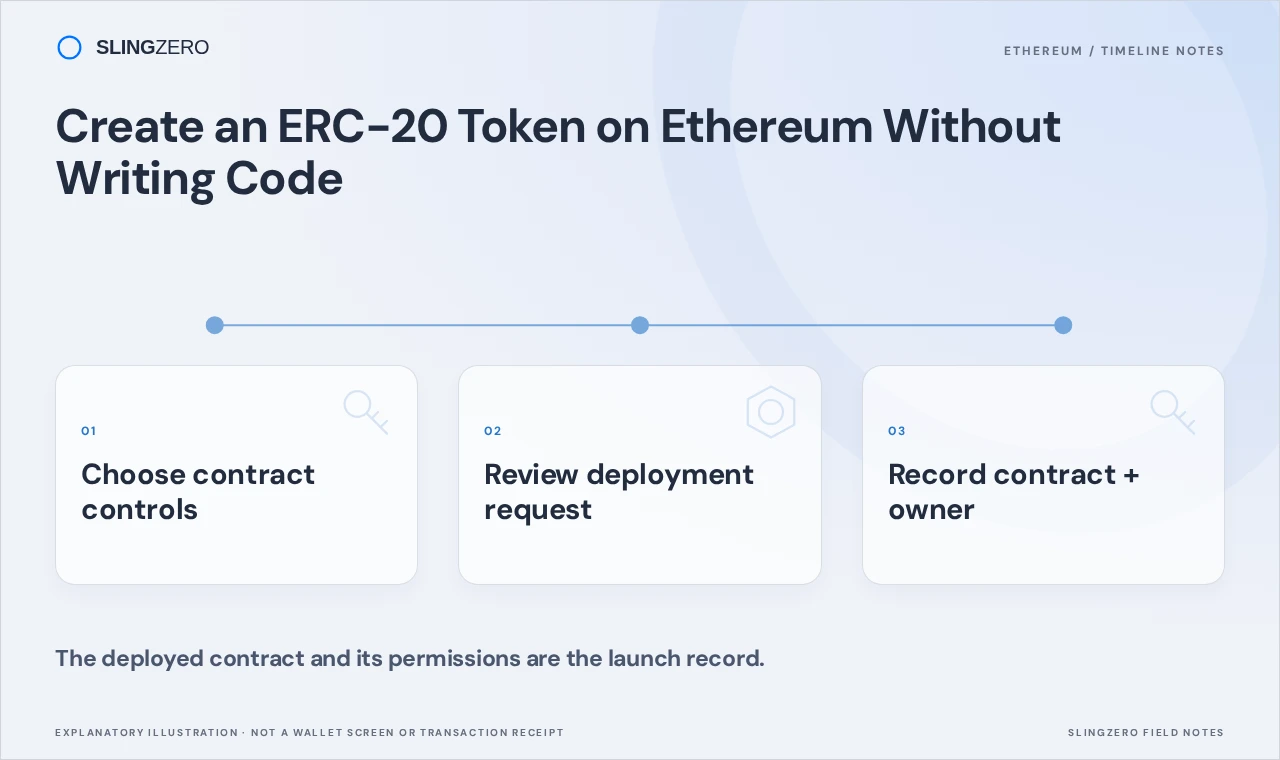
Concept illustration — The deployed contract and its permissions are the launch record.
Write a simple token specification
Decide the intended name, symbol, initial supply, recipient, and purpose. Record whether future minting is part of the plan and whether administrative controls are necessary. If a supported template offers transfer taxes or pauses, describe how those controls will be used and disclosed.
The ERC-20 specification defines the common interface for interoperable tokens. Additional behavior depends on the implementation. Compatibility with an interface does not imply every token has identical minting, burning, or administrative features.
Review the deployment environment
Connect the intended deploying wallet and select Ethereum. Keep ETH available for the network and service fees shown at the time of deployment. Do not copy a fee figure from an old guide: network conditions and application configuration can change.
If you rehearse on a supported test network, keep those addresses and transaction records clearly labeled. A successful test deployment does not create a mainnet token, and an address copied from the wrong network can cause later confusion.
Create the token in SlingZero

Contract-template choices in the live Ethereum creator. This crop shows public configuration choices only. Open this tool. Click the screenshot to enlarge.
-
Open the Ethereum token creator.
-
Connect the deploying wallet and confirm the selected network.
-
Choose the supported template that matches the supply and control plan.
-
Enter the token details and review all enabled settings.
-
Inspect the displayed initial supply, recipient, administrative options, and fees.
-
Read the wallet request and approve only the intended deployment.
-
Wait for confirmation and save the resulting contract address and transaction hash.
Do not assume a hidden or unsupported control will be available after deployment. If a necessary capability is missing, revise the design before signing. A no-code form simplifies interaction with a contract template; it does not remove the need to understand that template.
Verify before announcing the contract
Open the address on Ethereum's explorer and confirm the token identity, initial balance, and supply. Inspect the owner or role configuration applicable to the template. Compare the actual result with your written specification.
Only then use the address in your website, distribution list, and token page. A clear public record should identify the chain and complete contract address. Deploying a token does not automatically create market liquidity, secure listings, or guarantee that wallets immediately display its logo.
FAQ
Fast answers for founders comparing token launch, authority, liquidity, and post-launch workflows.
Do I need to write Solidity?
SlingZero provides a form for deploying supported templates. You should still understand the selected settings and verify the resulting contract.
Does token creation include a trading market?
Contract deployment and liquidity provisioning are separate tasks. Review the Ethereum liquidity workflow when you are ready to plan a supported pool.
Should I renounce ownership immediately?
Only after reviewing every owner-only operation you may still need. A permissions decision should follow your operational requirements and the deployed contract's actual behavior.