Solana OpenBook Market: Lot Sizes, Tick Sizes and Decimals
Prepare an OpenBook market worksheet for base and quote mints, decimals, lot sizes and tick sizes before approving a Solana market setup.
Illustration and design · SlingZero
A Solana OpenBook market needs consistent base and quote units, with lot sizes and tick sizes checked against the exact mints and program version. Before configuring an OpenBook market, write down the base mint, quote mint, token decimals and the smallest trade increments you intend to support. A market name cannot repair a unit mistake after the fact.
Fill in the worksheet before the form
Base asset: the token being quoted. Record its full mint and decimals.
Quote asset: the unit in which the base asset is priced. Verify its mint separately, even when its symbol is familiar.
Base lot size: the discrete quantity used for order sizing in the program's expected representation.
Quote lot size and price increments: related configuration that constrains which prices the market can represent. Translate the form's human-readable inputs into the underlying units it expects before approving setup.
The OpenBook program and client repository is the primary implementation reference. Use the instructions and tooling applicable to the exact program version being configured, rather than copying numbers from an unrelated market tutorial.
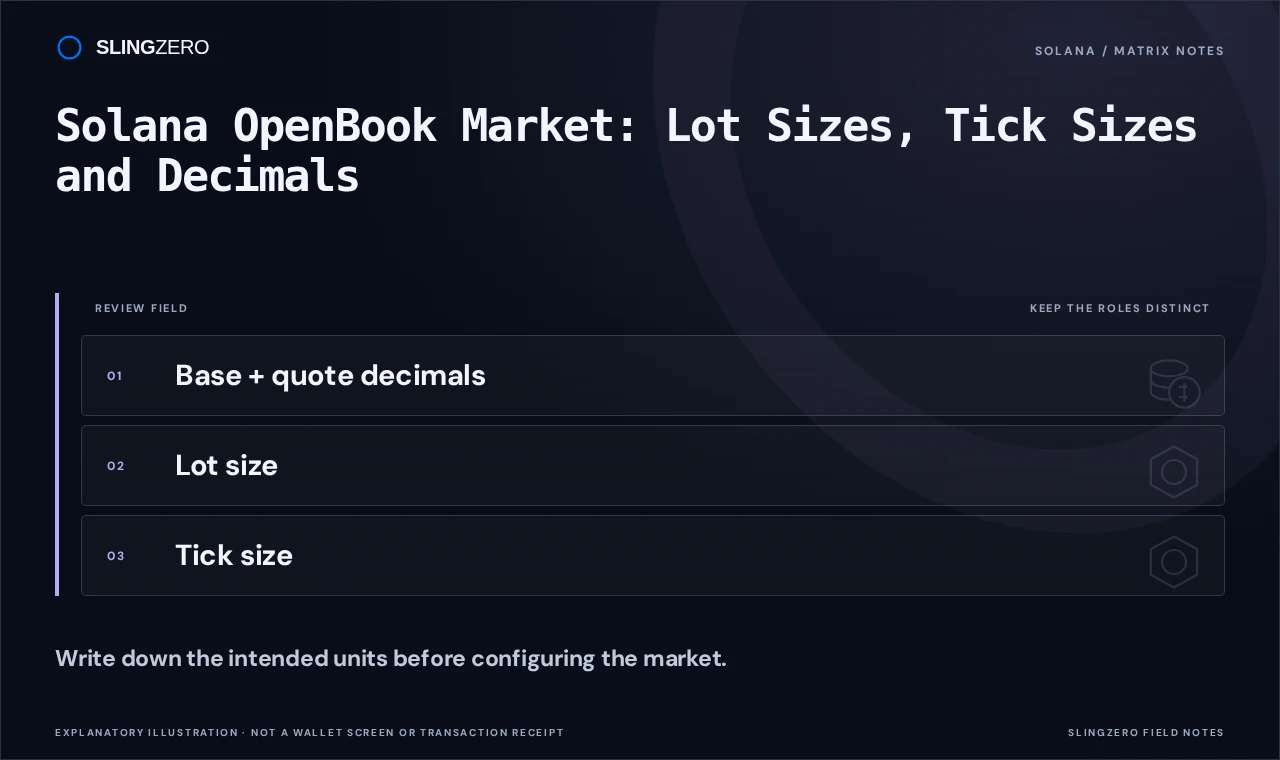
Concept illustration — Write down the intended units before configuring the market.
Use a small numerical sanity check
For a hypothetical six-decimal token, one whole token represents one million smallest units. An intended increment of a fraction of a token must therefore be converted carefully. The same reasoning applies independently to the quote asset, whose decimals may differ.
For example, an increment of 0.01 of that six-decimal base token corresponds to 10,000 smallest units:
Smallest units per whole token: 10^6 = 1,000,000
Hypothetical base increment:    0.01 × 1,000,000 = 10,000
This example is a units check, not a set of recommended market parameters. Do not reuse it without reviewing the actual mints, program version and desired trading granularity. Very large or very small increments can produce a market that behaves differently from its creator's intention.
Inspect SlingZero's actual configuration screen
Open OpenBook market setup and compare each visible field with the worksheet.
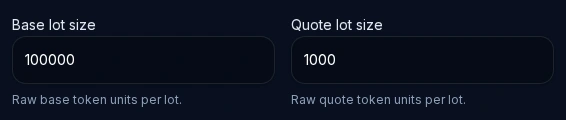
Raw base- and quote-lot controls in the live OpenBook creator. The displayed defaults are configuration units, not a market price or a created market. Open this tool. Click the screenshot to enlarge.
Check the base and quote identifiers first. Then review the lot and tick configuration, fees and any authority fields the current workflow exposes. Read the selected network and program context before the wallet request is approved.
Keep market creation separate from liquidity
A market address is not the same thing as a funded automated-market-maker pool. After setup, inspect the resulting market and verify its associated configuration. If the launch also needs liquidity, plan that as a separate operation using the appropriate Solana liquidity tools.
The useful deliverable is an accurate market record: which program owns it, which mints it uses, how sizes and prices are represented, and which authority choices remain. Save the confirmed transaction alongside those settings. Future operators should be able to understand the unit choices without reverse-engineering a screenshot of the form.