Unfreeze a Solana Token Account Before Revoking Authority
Thaw frozen Solana token accounts before changing freeze authority. Follow the dependencies, confirm the account state, and preserve a recovery record.
Illustration and design · SlingZero
To unfreeze a Solana token account, the controlling signer must still have the authority required to authorize its thaw. The order matters: an issuer can accidentally give up the permission needed to restore an account before finishing the restoration itself.
Start with the unresolved accounts
Build a list of accounts that were frozen and mark which ones should now be restored. Each entry should include the mint, token account, reason for the restriction and the decision authorizing its removal. Compare that list with onchain state; an old incident spreadsheet may no longer reflect the current account configuration.
The Token Program thaw reference describes the corresponding account-state operation. The controlling authority and the token's actual configuration determine whether the change can be authorized.
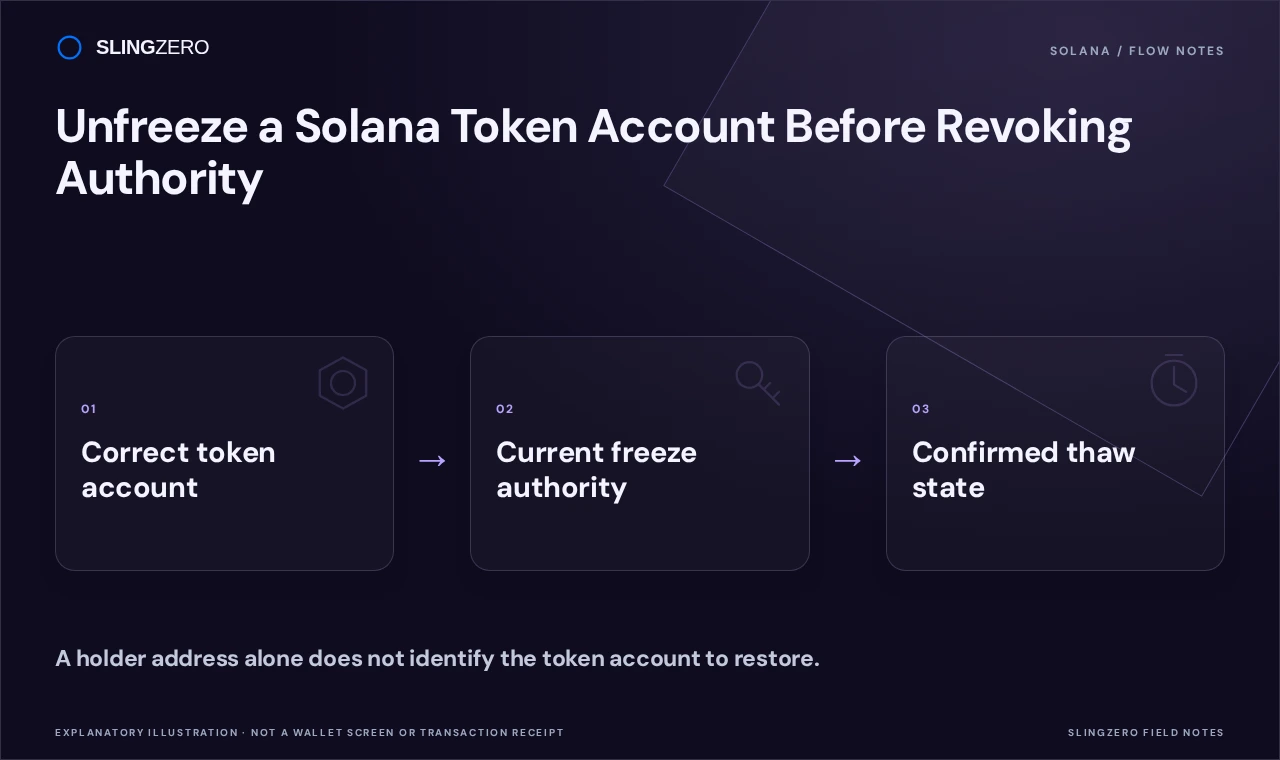
Concept illustration — A holder address alone does not identify the token account to restore.
The dependency checklist
- Is this the exact token account that needs restoration?
- Does it belong to the intended mint on the intended cluster?
- Is the required authority still present and controlled by the signer?
- Has the reason for the original restriction been resolved?
- Is there a record of who approved the restoration?
If any answer is unclear, resolve it before signing. A familiar wallet address may have multiple token accounts, so identifying the holder alone is not always sufficient.
Carry out the thaw in SlingZero
Open Unfreeze Solana token account.
Connect the authorized wallet, select the supported token and identify the account to restore. Review the network, target and displayed costs. After approving the intended operation, keep the transaction signature and read the resulting account state.
Where several accounts need restoration, treat each result as its own item in the checklist. A partial batch of successful actions does not prove that every account was restored. Reconcile the confirmed results with the original list.
Only then revisit the authority policy
Once all intended thaw operations are confirmed, decide whether freeze authority should remain available. If the team plans to revoke freeze authority, perform a final inventory of accounts whose state still depends on it.
An authority change should not be used to conceal unresolved restoration work. Keep the record of the original freeze, the thaw and any later permission removal as separate events. That history helps holders and future operators understand what happened without assuming that one successful transaction completed the whole recovery.
A final verification question
Could another operator identify the restored account and its successful thaw transaction from your notes alone? If not, finish the record before closing the incident. Good evidence survives a change of team members, wallets or interface providers.