Update Solana Token Metadata: Name, Logo, and URI
Update mutable Solana token metadata with SlingZero, check update authority and image hosting, and verify the onchain URI after confirmation.
Illustration and design · SlingZero
Key takeaways
- Metadata changes require the relevant authority and a compatible mutable configuration.
- The onchain metadata reference and third-party display caches can update at different times.
- Finalize and review branding before making metadata immutable.
Updating Solana token metadata requires a compatible mutable record and its update authority; token holdings alone do not grant permission to change a name, logo or URI. The visible name, symbol, image, description, and links should tell the same story across the project's website and public token records. Begin with a small checklist so the update does not leave conflicting versions behind.
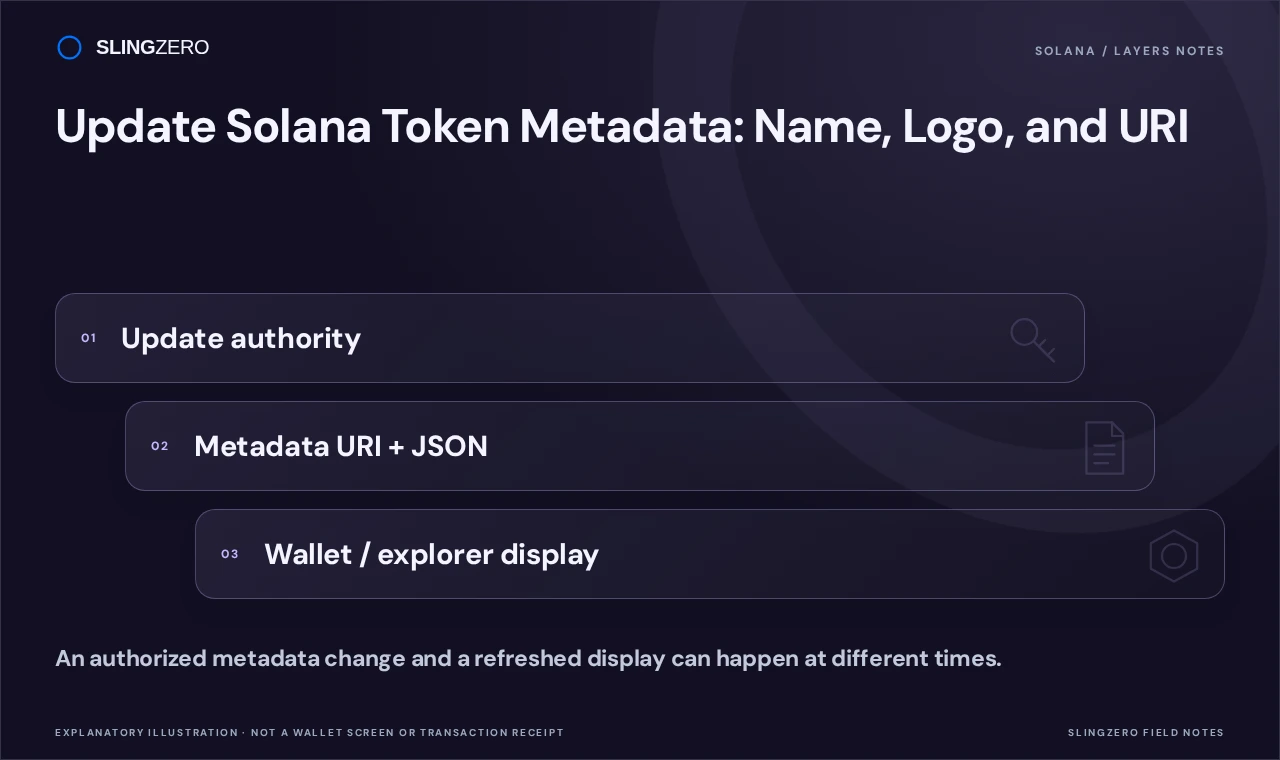
Concept illustration — An authorized metadata change and a refreshed display can happen at different times.
Check whether the token can be updated
Confirm the full mint address, the metadata account's update authority, and whether the metadata is still mutable. The Metaplex update documentation describes the authority and mutability requirements for the Token Metadata model.
This guide concerns the metadata workflow supported by SlingZero. Tokens using another metadata model or a different program configuration may need a different tool. Removing mint authority does not by itself determine whether a logo can be edited.
Prepare the replacement metadata
Review the final spelling, symbol, description, and public links before submitting anything. Use a clear image that still reads well as a small icon. Verify that the image and metadata resources are reachable through their intended hosting path.
Keep an archive of the previous values and a record of the intended replacement. Durable storage and correct URLs matter because a successful onchain update cannot make an unavailable external resource load in a wallet.
Update the record with SlingZero
-
Connect the controlling update-authority wallet and select the right network.
-
Choose the mint and inspect its currently loaded metadata.
-
Enter the supported replacement fields and prepare any image upload required by the form.
-
Check the resulting values and links carefully, including the resource URI.
-
Review the displayed cost and wallet request before signing.
-
Wait for confirmation and save the transaction signature and final metadata reference.
If the wallet lacks update authority, ownership of a token balance will not solve that mismatch. If the metadata is already immutable, do not spend fees retrying an operation that the configuration forbids.
Verify the chain before troubleshooting caches
Inspect the confirmed transaction and read the updated metadata account or URI. Open the referenced resource and check that it contains the intended image and fields. Then refresh the token in the wallet or explorer you are testing.
A third-party service can retain old display data after the underlying record changes. Follow that service's refresh or listing process if available. Do not repeatedly submit identical metadata transactions solely because one interface continues to show an older image.
If the team later chooses Make immutable, treat it as a separate irreversible decision and perform one final review first. Avoid promising holders that all future display differences can be repaired onchain after that step.
FAQ
Fast answers for founders comparing token launch, authority, liquidity, and post-launch workflows.
Will a logo update change the mint address?
Updating the metadata of an existing token does not require creating a new mint. Verify the address rather than identifying the asset by its appearance.
Why does an explorer still show the old symbol?
First verify that the onchain update succeeded. If it did, investigate that explorer's indexing and cache behavior before sending another transaction.
Does the mint-authority wallet always control metadata?
No. Inspect the actual metadata update authority; different permissions can belong to different addresses.