Solana Token Multisender: Plan and Verify a Batch
Prepare a Solana token distribution, check recipient lists and balances, and use SlingZero multisender while tracking each confirmed batch.
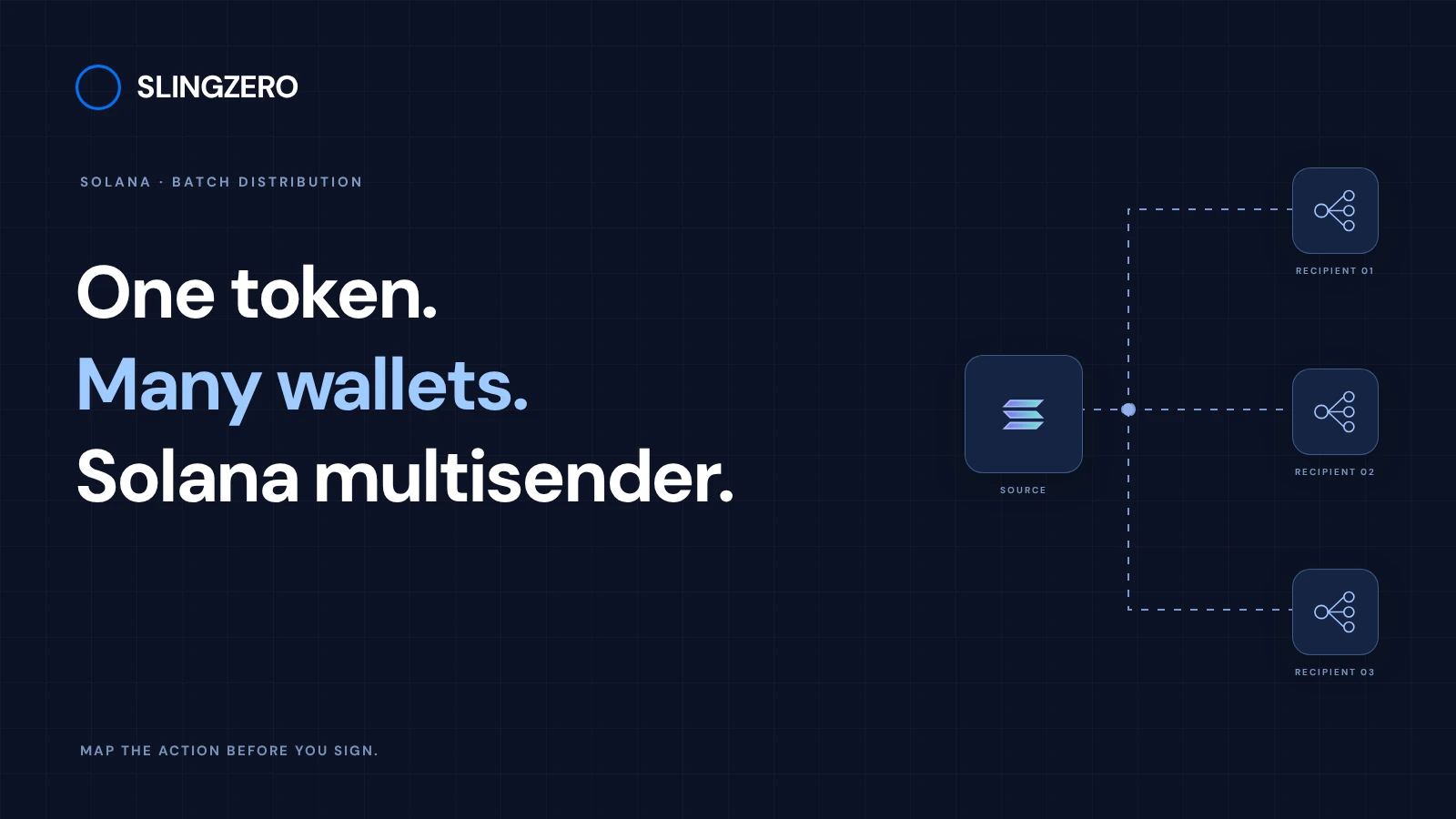
Illustration and design · SlingZero
Key takeaways
- Validate the recipient list before requesting any wallet signatures.
- Budget for distribution amounts, network fees, service fees, and account creation where applicable.
- Track completed batches so retries do not send the same allocation twice.
A Solana token multisender distributes an SPL allocation to multiple recipients, making the reviewed mint, recipient list and batch records essential inputs. A duplicated address, mismatched amount, or incorrect mint can multiply an error across a distribution. Separate list preparation from execution so the signer reviews a stable plan.
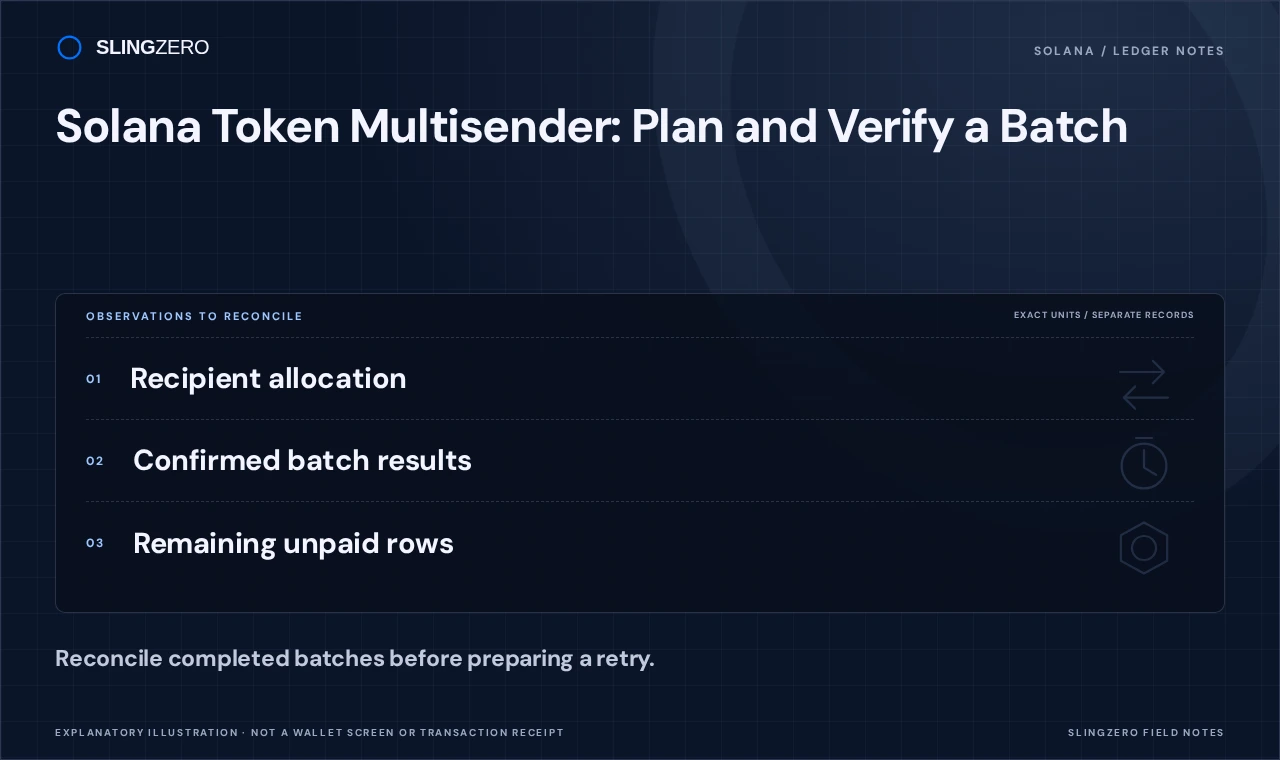
Concept illustration — Reconcile completed batches before preparing a retry.
Prepare an auditable recipient list
Use a clear source file with one intended recipient and allocation per record. Remove accidental whitespace, investigate duplicate addresses, and compare the number of rows with the expected distribution size. Do not silently merge duplicates unless that matches the allocation policy.
Add up the token amounts independently and compare the total with the distributing wallet's available balance. For a team distribution, preserve a reviewed copy with a version label or file hash. That record helps explain what was authorized if the list changes later.
Solana's token-transfer documentation provides the underlying account model. A recipient's wallet address and its token account are related concepts, but they are not interchangeable in every instruction.
Review the cost of distribution
Keep SOL available as well as the token being distributed. Some recipients may require associated token-account creation, depending on their existing accounts and the workflow. The distribution can also involve several transactions rather than a single all-or-nothing operation.
Review the totals and fees displayed by the live tool. A small rehearsal with controlled recipient wallets can validate formatting and expectations before a wider distribution, but it should use an intentionally separate allocation to avoid confusing test and production records.
Video: Solana multisender batches
An illustrated recipient-list and batch-summary example. Real batch limits, fees and outcomes depend on the current workflow.
Watch on YouTubeDistribute tokens with SlingZero
-
Open the Solana token multisender.
-
Connect the distributing wallet and confirm the intended cluster.
-
Select the correct mint using its complete address.
-
Enter or import recipients using the format supported by the form.
-
Review invalid rows, duplicates, individual amounts, and the overall total.
-
Check the fee estimate and the expected number of signing steps.
-
Approve each intended transaction and retain its confirmation result.
A closed wallet popup or interrupted browser session does not mean that every earlier transaction failed. Check the recorded signatures before deciding what to retry. Rebuilding and resending the entire original list can pay recipients a second time.
Reconcile after the final batch
Maintain a simple record of recipient, planned amount, transaction signature, and observed result. Compare the confirmed distribution total with the original allocation total and inspect representative recipient accounts.
If only part of the distribution completed, prepare a new list containing only verified unsent allocations. Keep that list with the original records so a future reviewer can reconstruct the full distribution without guessing which batch a wallet belonged to.
FAQ
Fast answers for founders comparing token launch, authority, liquidity, and post-launch workflows.
Is the entire recipient list one atomic transaction?
Do not assume so. A tool may split large distributions into multiple transactions, each with its own success or failure state.
Can I send a token I do not control the mint authority for?
Ordinary transfers generally use balances and account ownership rather than minting permission. The selected token's program and restrictions still matter.
What should I do after a partial failure?
Verify completed transactions first, reconcile the amounts already sent, and retry only the remaining allocations.