How to Mint More Solana SPL Tokens with SlingZero
Mint additional SPL tokens on Solana with an authorized wallet, review decimals and recipients, and verify the updated balance and token supply.
Illustration and design · SlingZero
Key takeaways
- Minting adds units to an existing token; creating a new mint is a different workflow.
- The connected signer must hold the required mint authority.
- Verify the recipient, token decimals, and supply policy before authorizing issuance.
Minting more Solana SPL tokens requires the active mint authority, an existing mint address and a reviewed issuance amount. Start with the token's published supply policy. The fact that a wallet has technical permission to mint does not establish that new issuance fits the commitments made to holders.
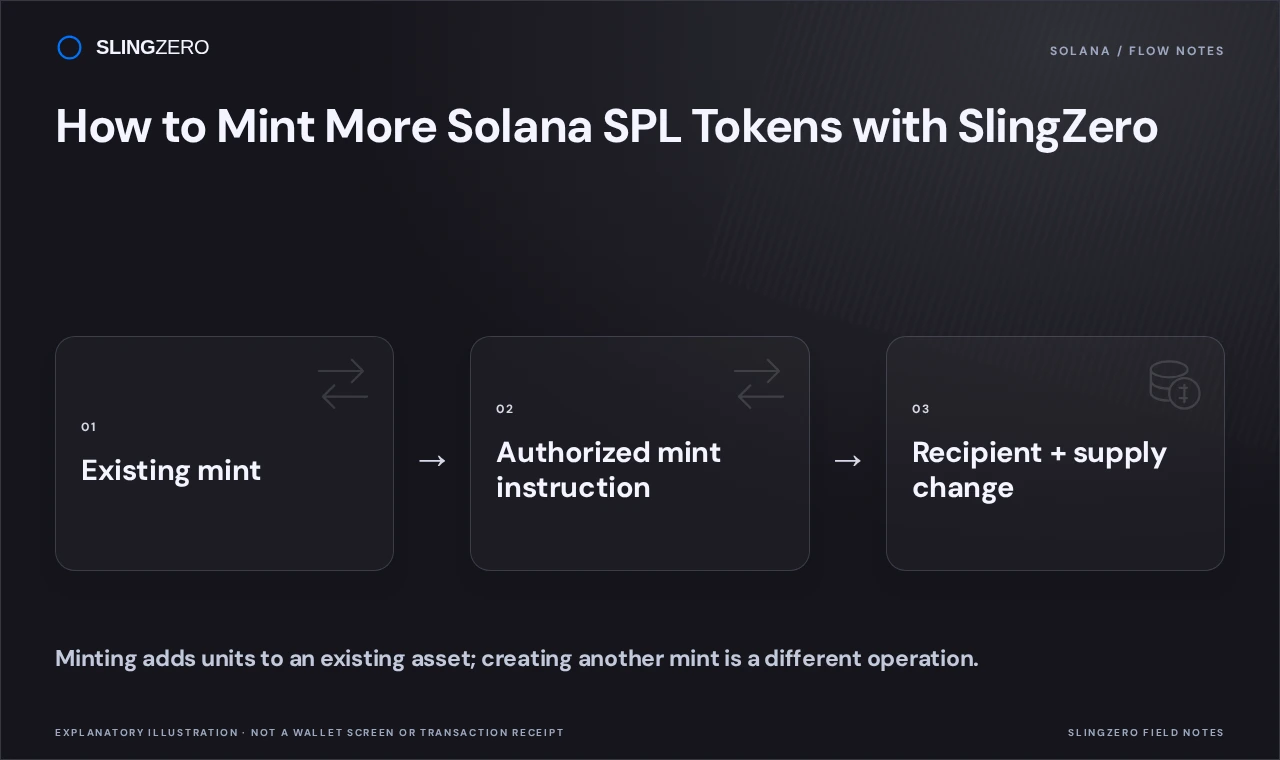
Concept illustration — Minting adds units to an existing asset; creating another mint is a different operation.
Check the mint authority first
An SPL mint identifies the token and stores its supply information. Solana's minting documentation describes the role of the mint authority in issuing additional units. If that permission has been permanently removed, this tool cannot restore it.
Use the complete mint address to identify the asset. A token's display name, logo, or ticker is not a unique identifier. Also check the intended cluster: development tokens and mainnet tokens have separate addresses and balances.
Plan the amount and destination
Keep SOL available for network fees and any account-creation or service costs shown in the workflow. Decide which address should receive the issuance and confirm that it is an address you intended to fund.
Review decimals before entering an amount. A human-readable token amount and its smallest-unit representation are different values. For a recurring treasury process, document the whole-token amount, destination, reason, and expected resulting supply before opening the wallet approval.
Mint additional units in SlingZero
- Open the Solana mint tokens tool.
- Connect the wallet that controls the token's active mint authority.
- Check the network and select the existing mint using its complete address.
- Review the token details and available authority information.
- Enter the intended amount and review the destination shown by the form.
- Inspect the displayed fees and the wallet transaction request.
- Sign only when the amount, mint, and destination match your plan.
- Wait for confirmation and record the successful transaction signature.
If the tool reports that the connected wallet lacks authority, compare the wallet with the authority stored onchain. Changing the recipient does not fix an authority mismatch. If a transaction fails, check its status before submitting another issuance so a delayed confirmation does not lead to duplicate minting.
Confirm supply and balance changes
Refresh the mint's supply and the receiving token balance after confirmation. Record the transaction signature together with the newly issued amount. Wallet interfaces and third-party indexers can refresh at different times, so distinguish a display delay from an actual transaction failure.
If the project intends to become fixed-supply after this issuance, finish every planned allocation before considering revoking mint authority. That decision deserves a separate review because it removes a future operational capability.
FAQ
Fast answers for founders comparing token launch, authority, liquidity, and post-launch workflows.
Can a normal holder mint more tokens?
Holding a balance does not grant mint authority. Additional issuance requires the relevant permission and a compatible token configuration.
Does minting create a new token address?
This workflow adds units to an existing mint. Use the Solana token creator when you intend to create a distinct token.
Why is the new supply missing from my wallet display?
Check the successful transaction and onchain mint state first. A wallet or indexer may need time to refresh. Do not submit another mint transaction solely because an interface has not updated.