How Slingzero Guides a Solana Token Launch
See how Slingzero connects no-code SPL token creation with authority controls, wallet activity, distribution, and Solana liquidity workflows.
Introduction
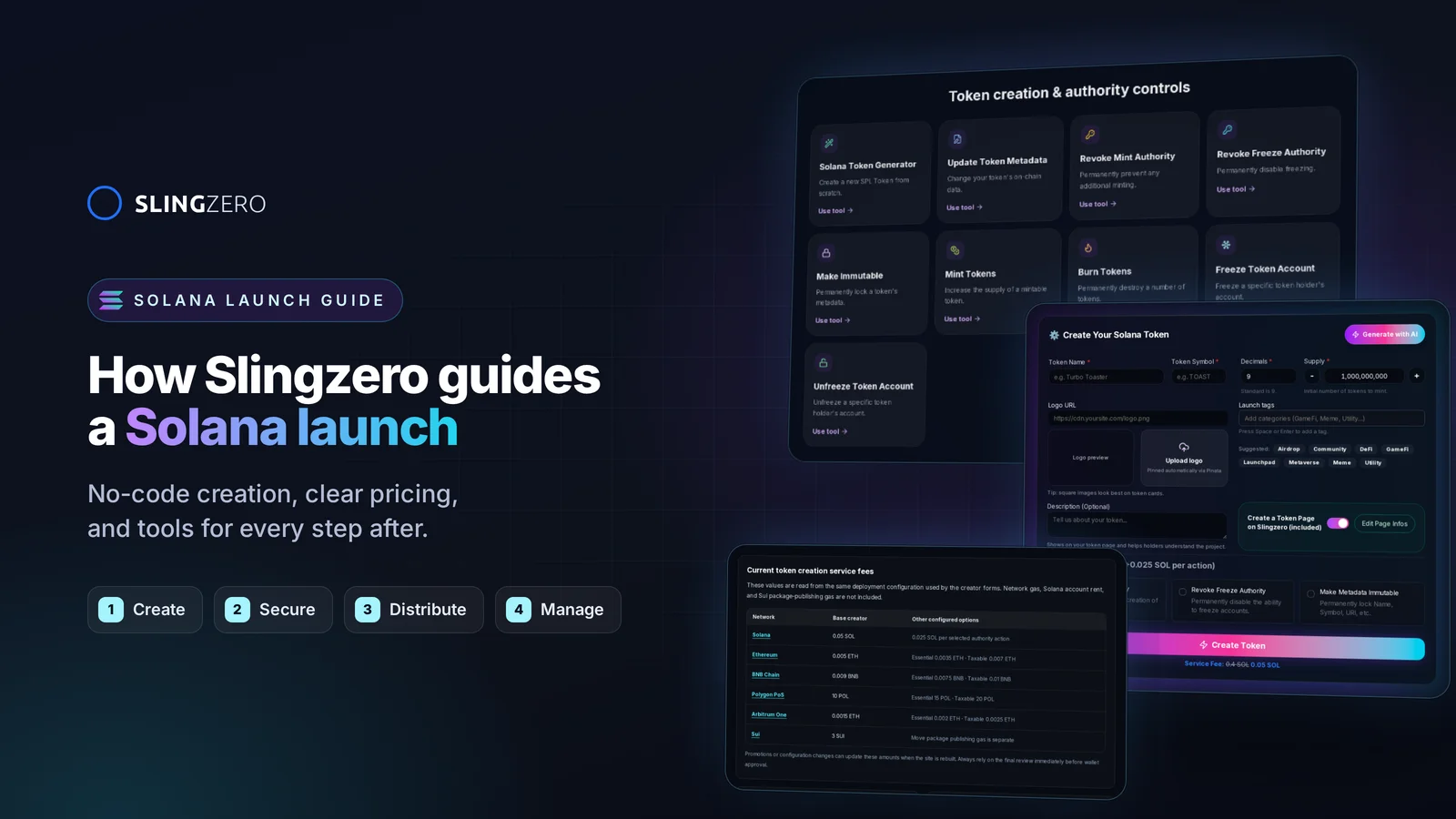
Slingzero turns common Solana token operations into guided web flows. It reduces the need to assemble CLI commands for every step, while leaving final transaction approval with the connected wallet. Here is how the workflow fits together.
1. No-code creation that scales with you
- Use the Create Token flow to configure metadata, supply, authorities, and a wallet-signed mint.
- Configure optional authority revocations and metadata immutability without writing a script. Slingzero calculates the accounts and network costs required by the selected flow.
- Rehearse the process on Devnet, then carefully create the separate Mainnet token after checking every value again.
2. Transparent, affordable pricing
- Slingzero fees are shown up front before you approve a transaction. No silent markups, no hidden maintenance charges.
- The review separates the applicable Slingzero service fee from Solana network costs before approval.
- Need treasury tooling later? You can add it on demand—no bundled upsells required.
3. Authority and transaction visibility
- Review supported Slingzero actions in Activity and confirm critical state independently on a Solana explorer.
- Use the relevant Solana authority tools to revoke capabilities or make metadata immutable when that matches the project policy.
- Publish a read-only Token Page and Solana Explorer link so holders can verify the mint address and current authority state without entering the owner workspace.
Want a playbook that turns these capabilities into a full security program? Read How to Launch a SPL Token on Solana with Security Built In and follow it alongside your Slingzero workflows.
4. Launch support that goes beyond minting
- Validate a recipient list and prepare distribution transactions with Solana Multisender instead of stitching together custom scripts.
- Configure supported liquidity actions through Liquidity Pool Tools, then publish the official pool and explorer records.
- Review the tokens associated with the currently connected wallet in the My Tokens Dashboard and verify critical state on an explorer.
5. Built for teams that move fast
- Document the exact flow collaborators should follow without sharing private keys or seed phrases.
- Use the contextual explanations inside each workflow, then require the signing wallet owner to review every transaction.
- Keep your own treasury and legal records, and reconcile them against on-chain explorer data.
Why the guided workflow helps
Fewer handoffs
The main creation settings appear in one flow, reducing the number of scripts and interfaces needed for a standard SPL mint.
Simplicity
Each critical decision appears in a guided interface. Defaults are a starting point, not a substitute for checking supply, metadata, and authority choices against the project’s requirements.
Visible costs
The creator shows applicable service and network costs before the transaction request.
Documentation
Product documentation and guides explain the available paths and the irreversible consequences of authority changes.
Final call to action
Start with the Create Token flow, check every value and fee, and rehearse on Devnet before a mainnet launch when possible.